Web V2 UI
Introduction
This document outlines how users can manage metadata within Apache Gravitino using the Web V2 UI, the latest graphical interface accessible through a web browser as an alternative to writing code or using the REST interface.
Build and deploy the Gravitino Web UI and open it in a browser at http://<gravitino-host>:<gravitino-port>. By default, it is http://localhost:8090.
Web V2 (UI Version 1.3.0)
Starting with version 1.3.0, Gravitino introduces Web V2. By default, Gravitino uses Web V2 (GRAVITINO_USE_WEB_V2=true when unset). To switch back to the legacy v1 UI, explicitly set GRAVITINO_USE_WEB_V2=false. To force Web V2 explicitly, set it to true.
If you want to configure this from the server env file, set the following environment variable in conf/gravitino-env.sh before starting the server:
# In <path-to-gravitino>/conf/gravitino-env.sh
GRAVITINO_USE_WEB_V2=true
After changing this value, restart the Gravitino server for the change to take effect:
<path-to-gravitino>/bin/gravitino.sh restart
Web V2
The sections below describe the Web V2. This is the default UI; set GRAVITINO_USE_WEB_V2=false to use the legacy v1 UI.
The Web V2 introduces additional modules (such as Jobs, Job Templates, Data Compliance, and Access) and expands table creation and editing to support more complex data types across providers.
Data Compliance includes Tags and Policies. The Access module is visible only when gravitino.authorization.enable=true and includes Users, User Groups, and Roles.
Initial Page
The Web V2 landing page depends on both the authentication mode and whether authorization is enabled in <path-to-gravitino>/conf/gravitino.conf.
-
When
gravitino.authorization.enable=false, authorization is disabled. Insimplemode, the UI opens directly to the metalake list page.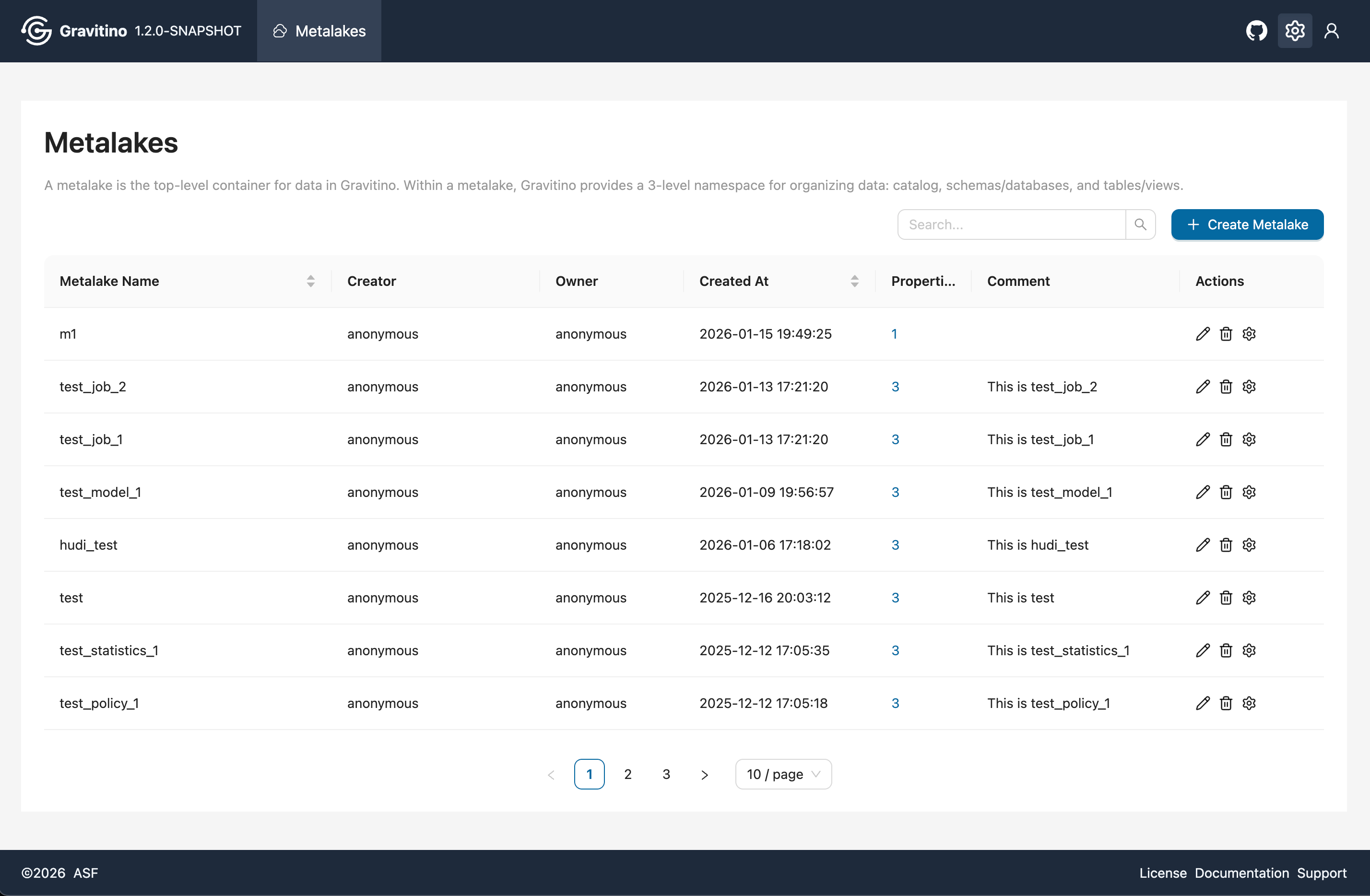
-
When
gravitino.authorization.enable=true, authorization is enabled. Insimplemode, the UI shows a login page. Enter any username without a password.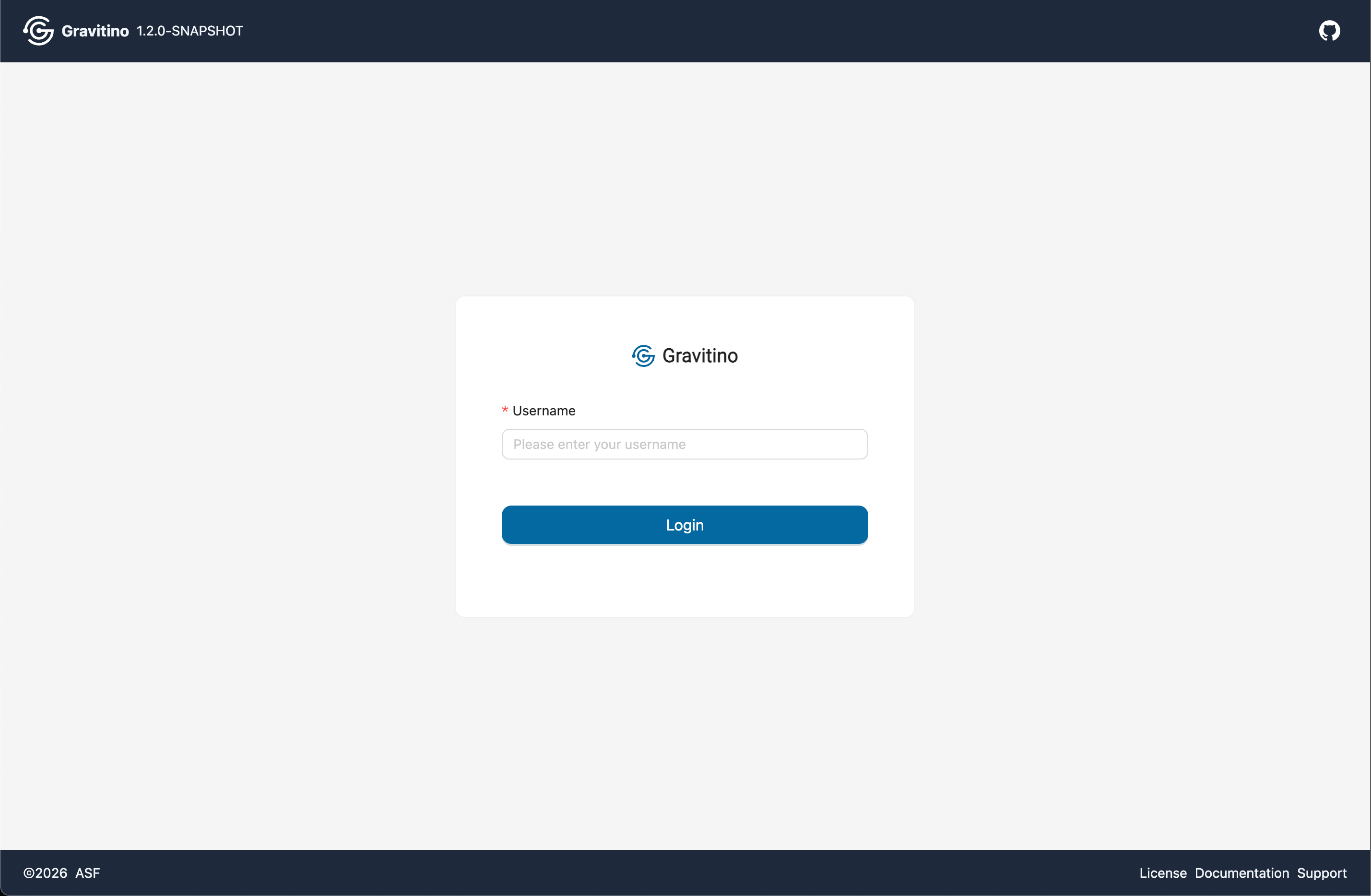
-
When
gravitino.authenticators=basicand the built-in IdP extension package is configured, the Web UI shows a username and password login form backed by built-in IdP user metadata. See built-in IDP Web UI. -
When
gravitino.authenticators=oauth, OAuth configuration is required for login. OAuth mode requiresgravitino.authorization.enable=true. See the details in Security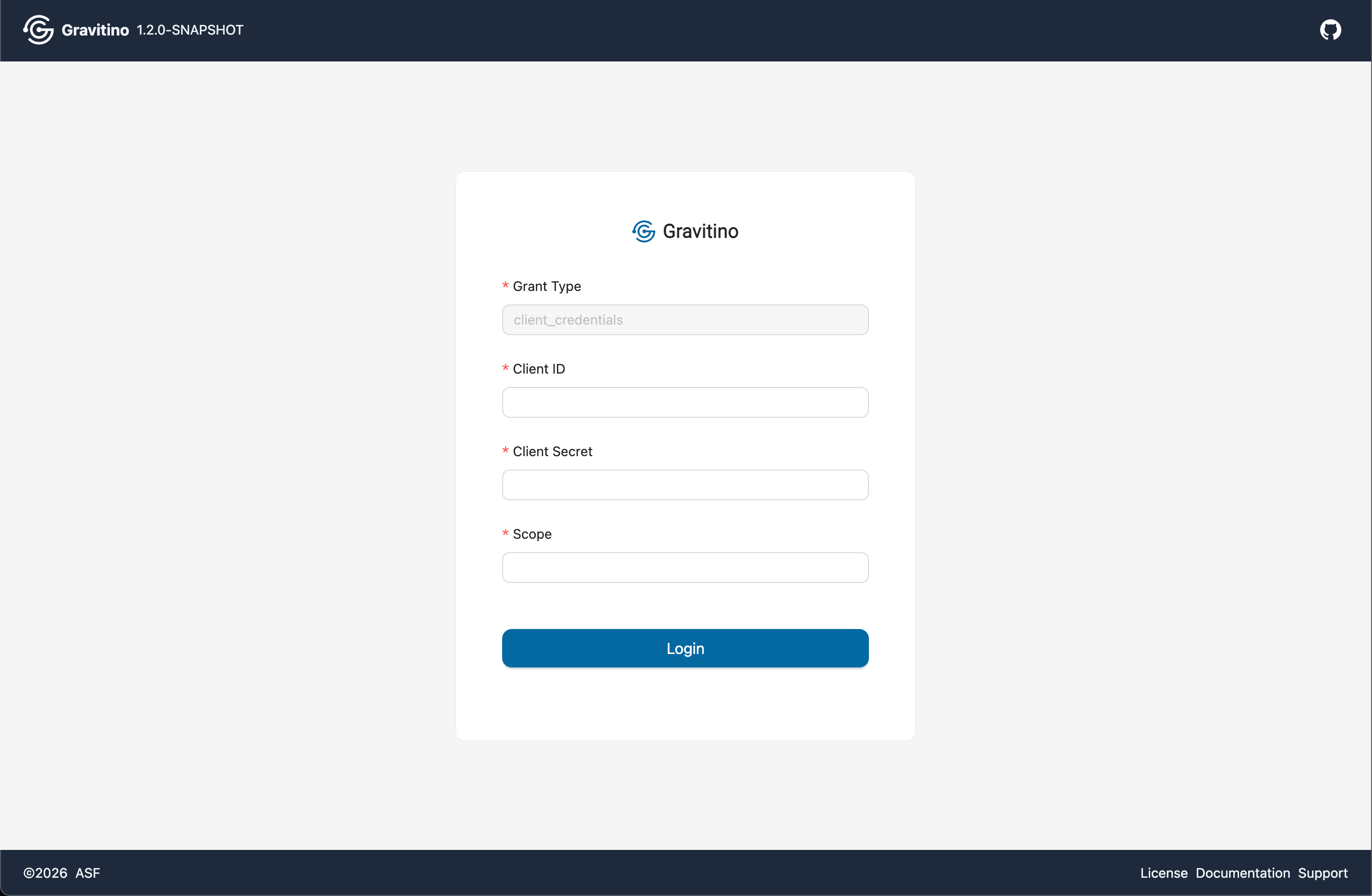
Metalakes
Overview for Metalake in the Web V2.
Create Metalake
Click the CREATE METALAKE button to open the create dialog. Fill in the form fields and submit to create the metalake.
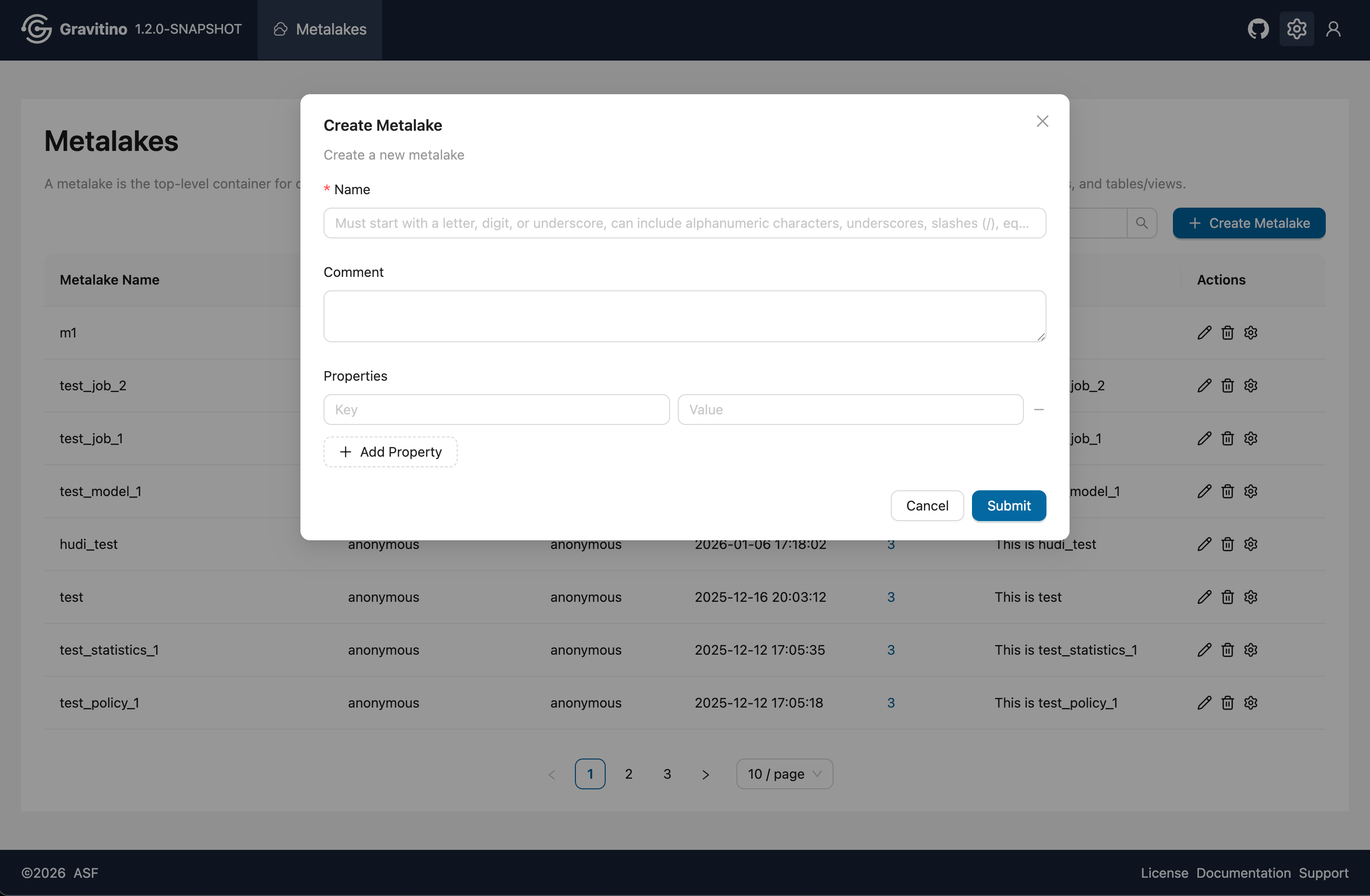
After creation, the basic information is visible in the metalake list.
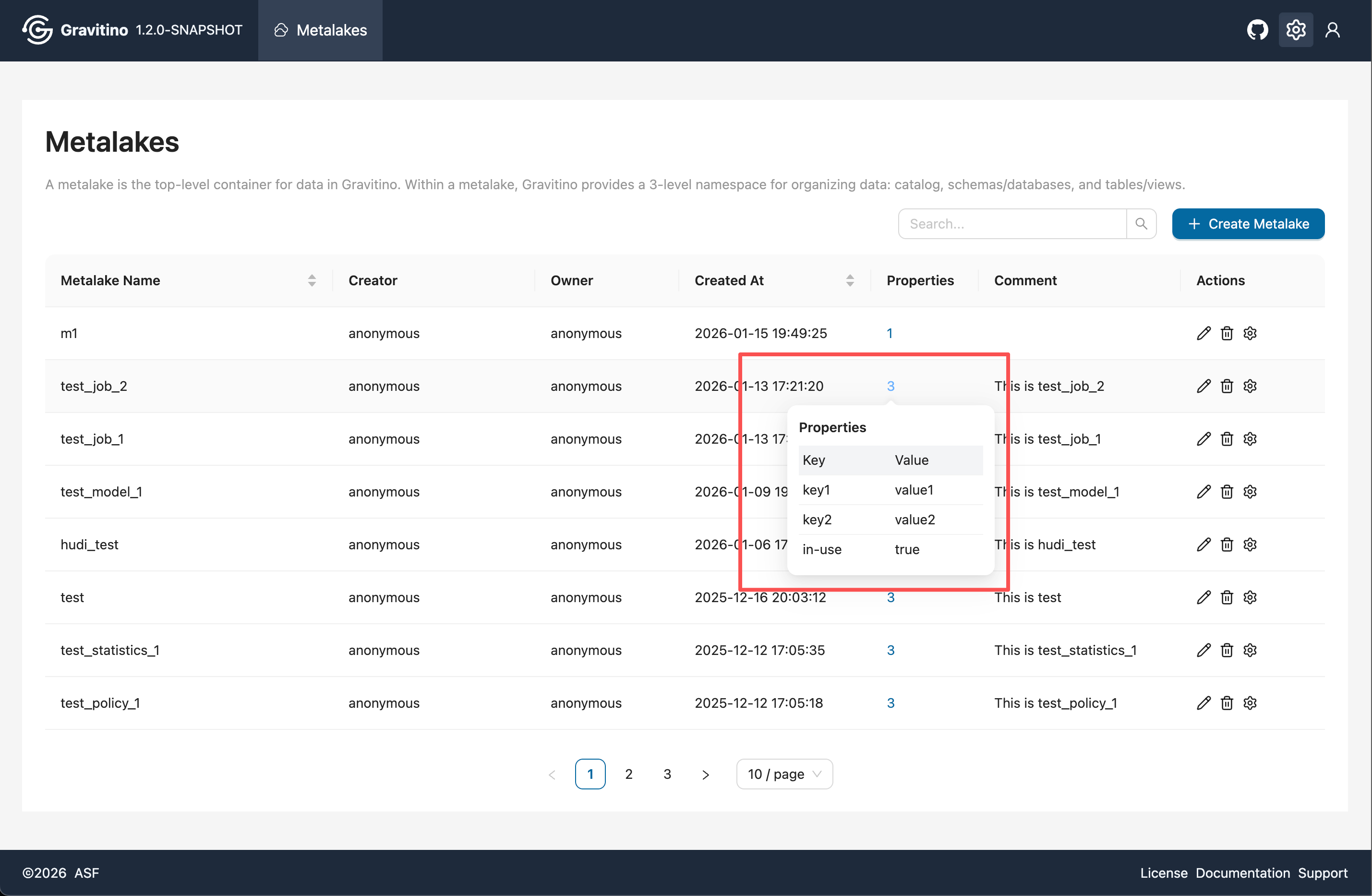
Properties Popover
Hover over the number in the Properties column to view the properties popover.
Actions
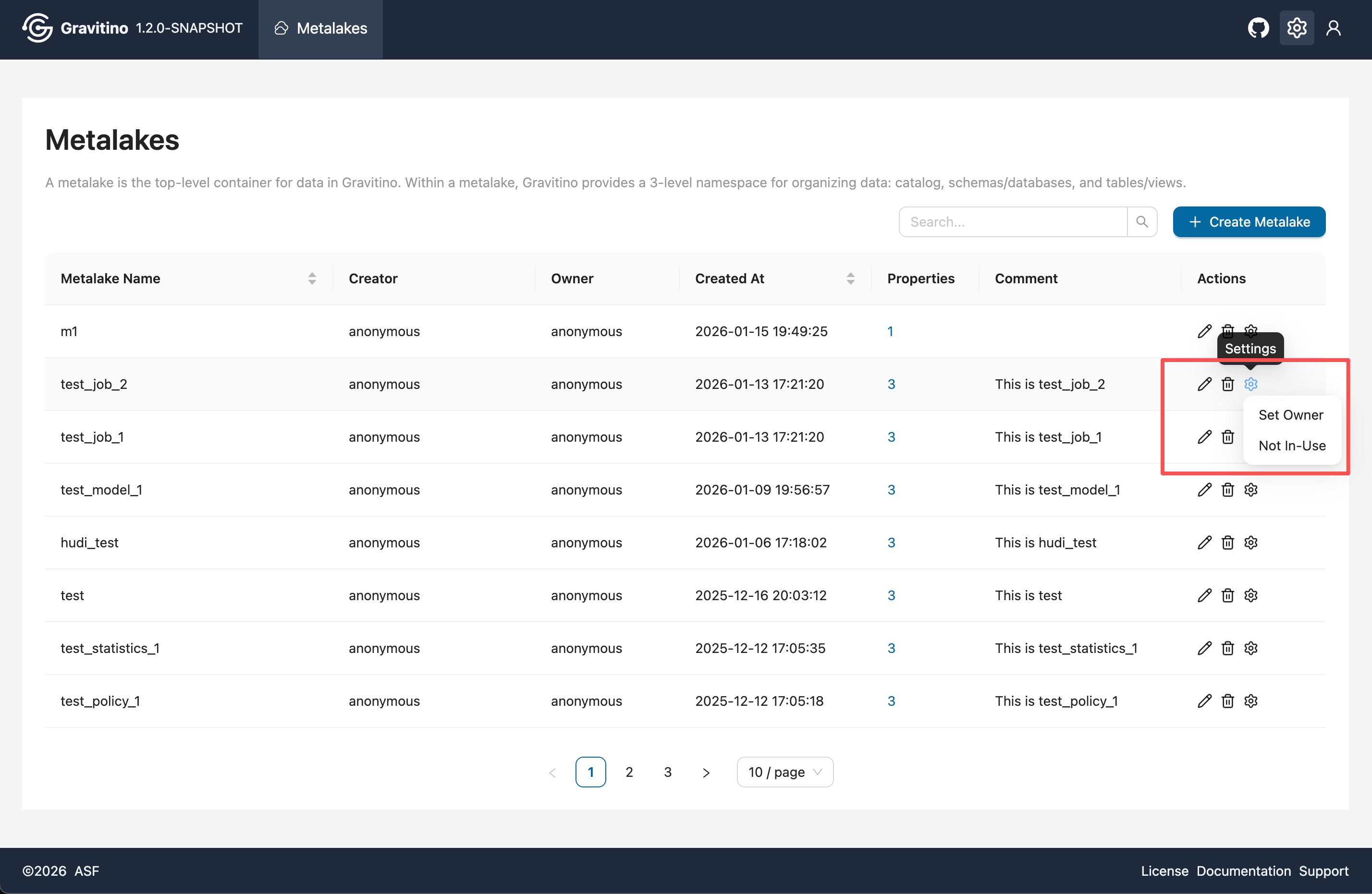
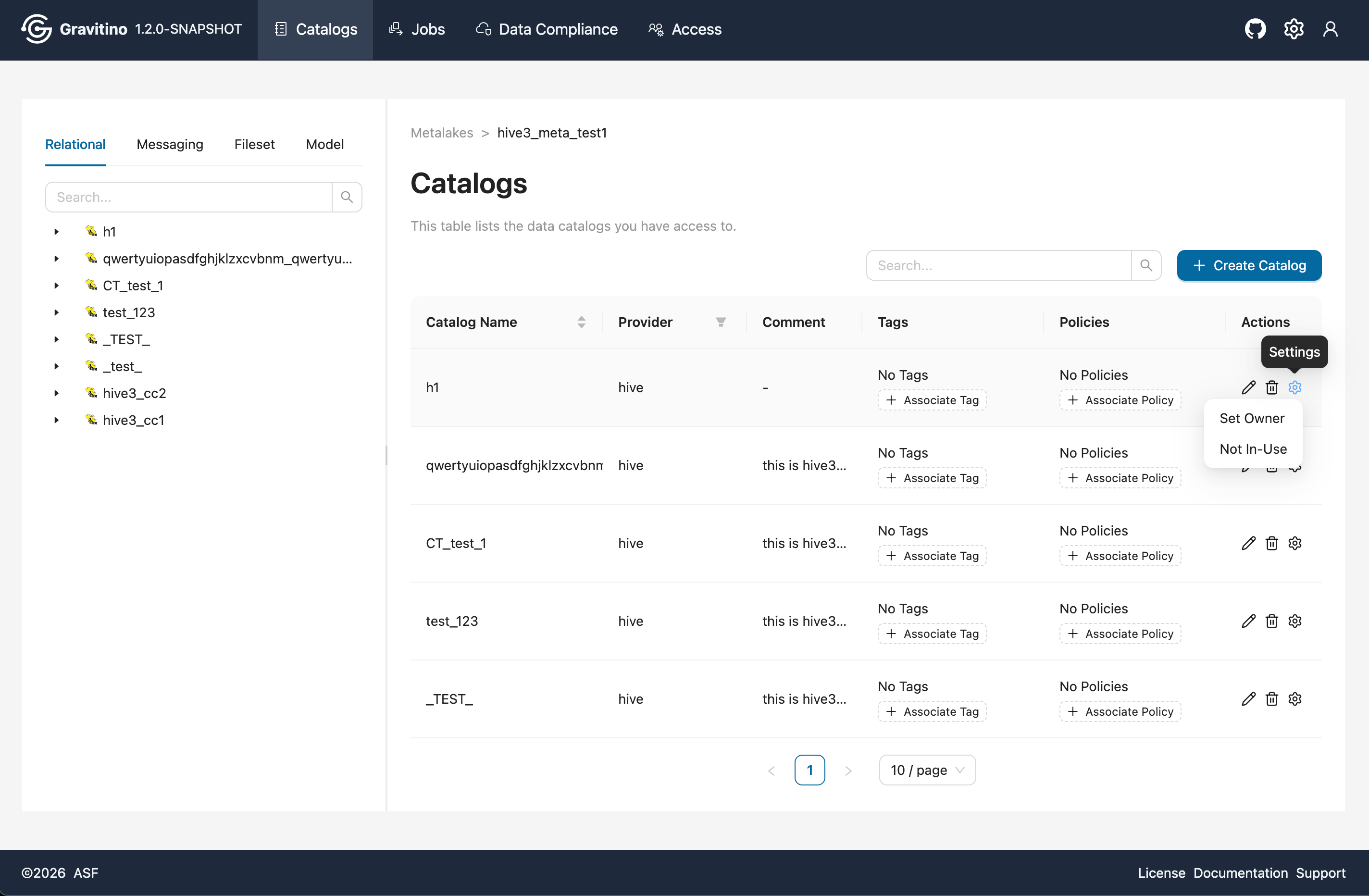
In the Actions column, you can edit or delete the metalake. The settings dropdown includes:
- Set Owner (available only when
gravitino.authorization.enable=true) - Toggle in-use / not in-use
Delete Metalake
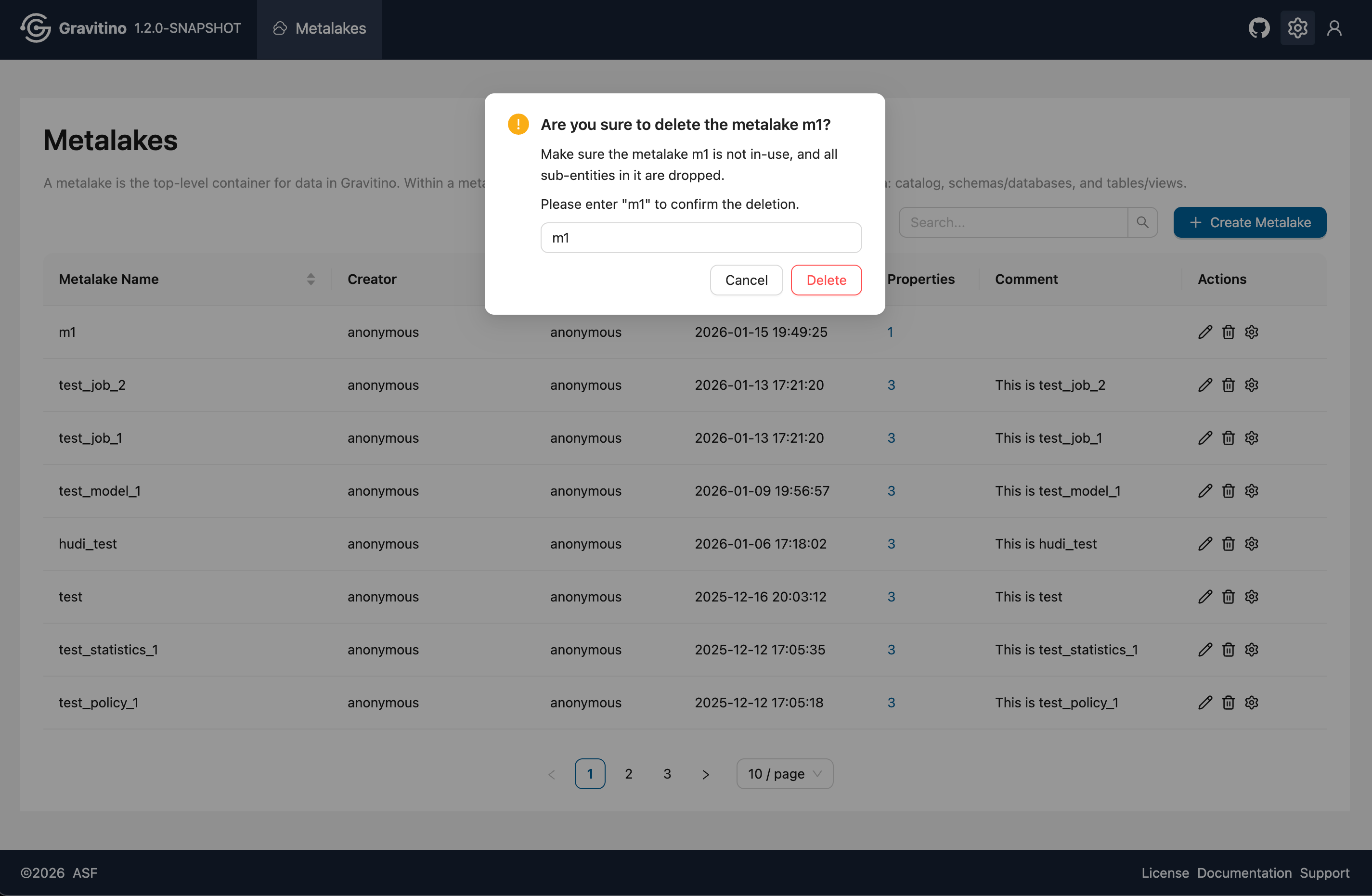
To delete a metalake, the metalake must be not in-use (set it in the Actions settings dropdown), and all sub-entities must be deleted first. The delete dialog requires entering the metalake name for confirmation before deletion.
Catalogs
Overview for Catalog in the Web V2.
Catalog Type Filter
On the catalogs page, use the catalog type selector at the top-left to switch between relational, messaging, fileset, and model. The list updates to show catalogs of the selected type.
Tags and Policies Association
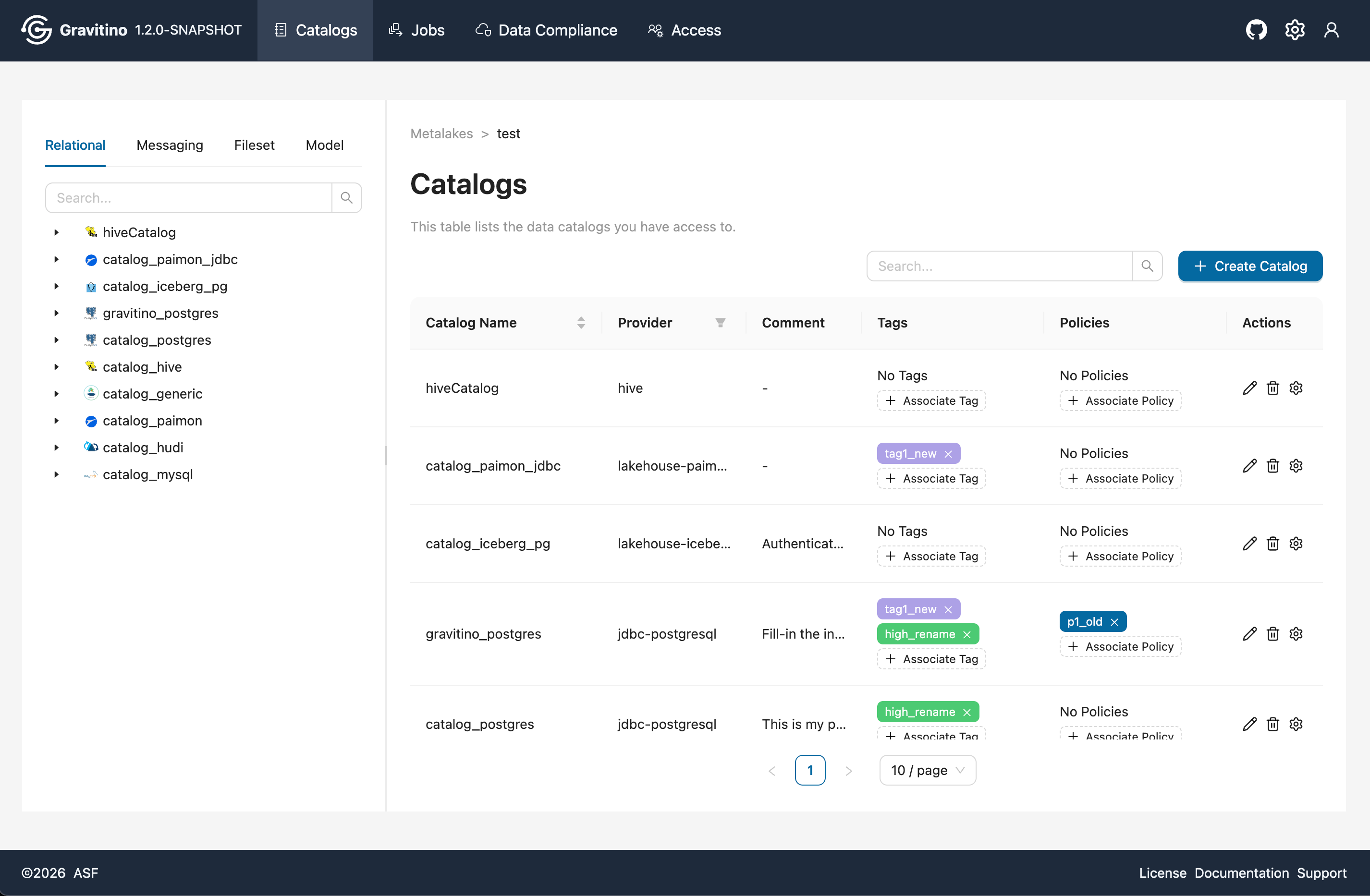
The catalog list shows basic catalog information along with associated Tags and Policies. Use Associate Tag and Associate Policy in the list to add associations. Click the X on a tag to remove it.
Disable Catalog
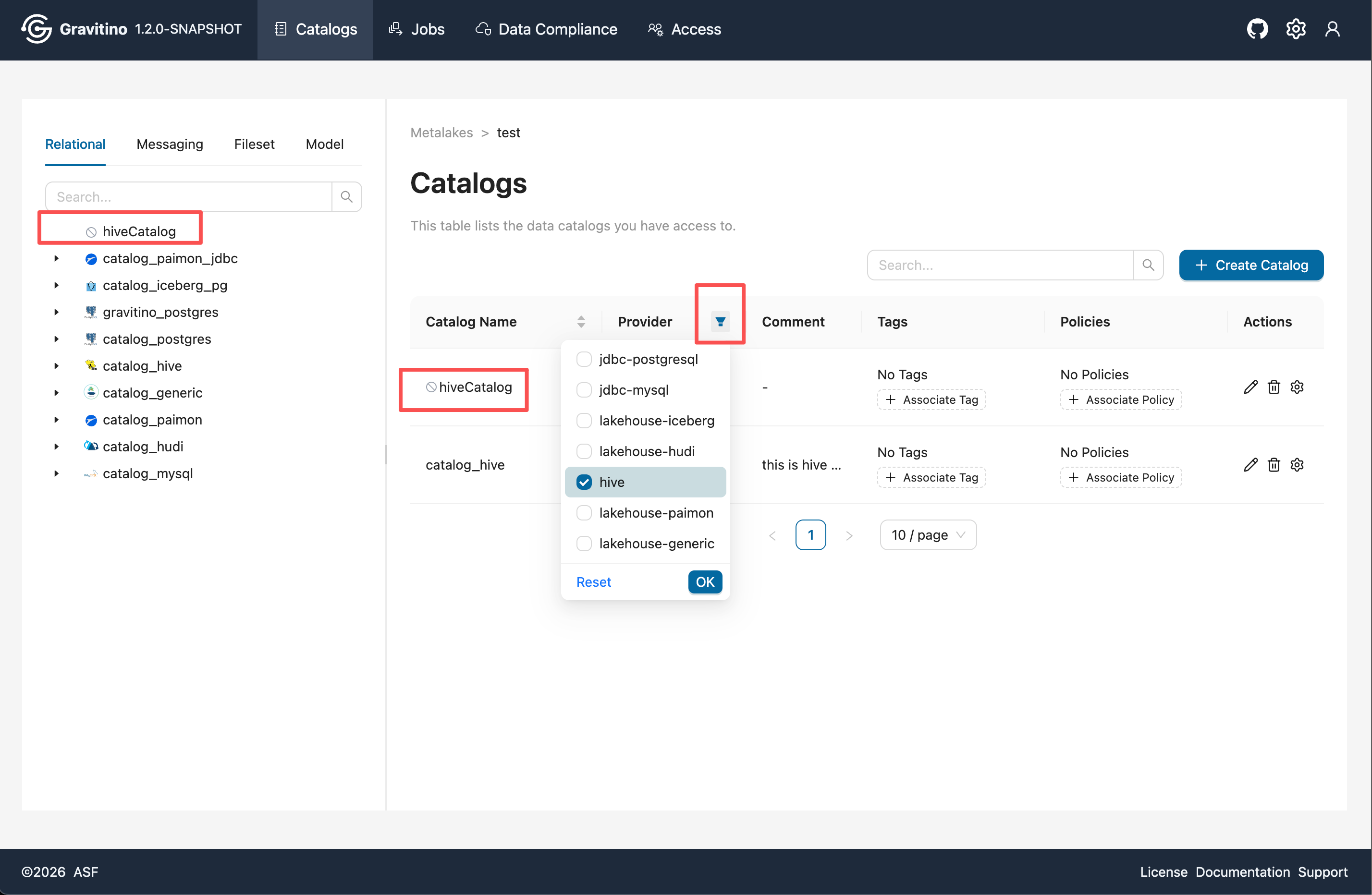
From the Actions settings dropdown, switch a catalog to not in-use. A disabled icon appears next to the catalog name, and the catalog name becomes non-clickable (you cannot enter the catalog details page).
Provider Filter
Use the filter on the Provider table header to narrow the catalogs list by provider.
Create Catalog
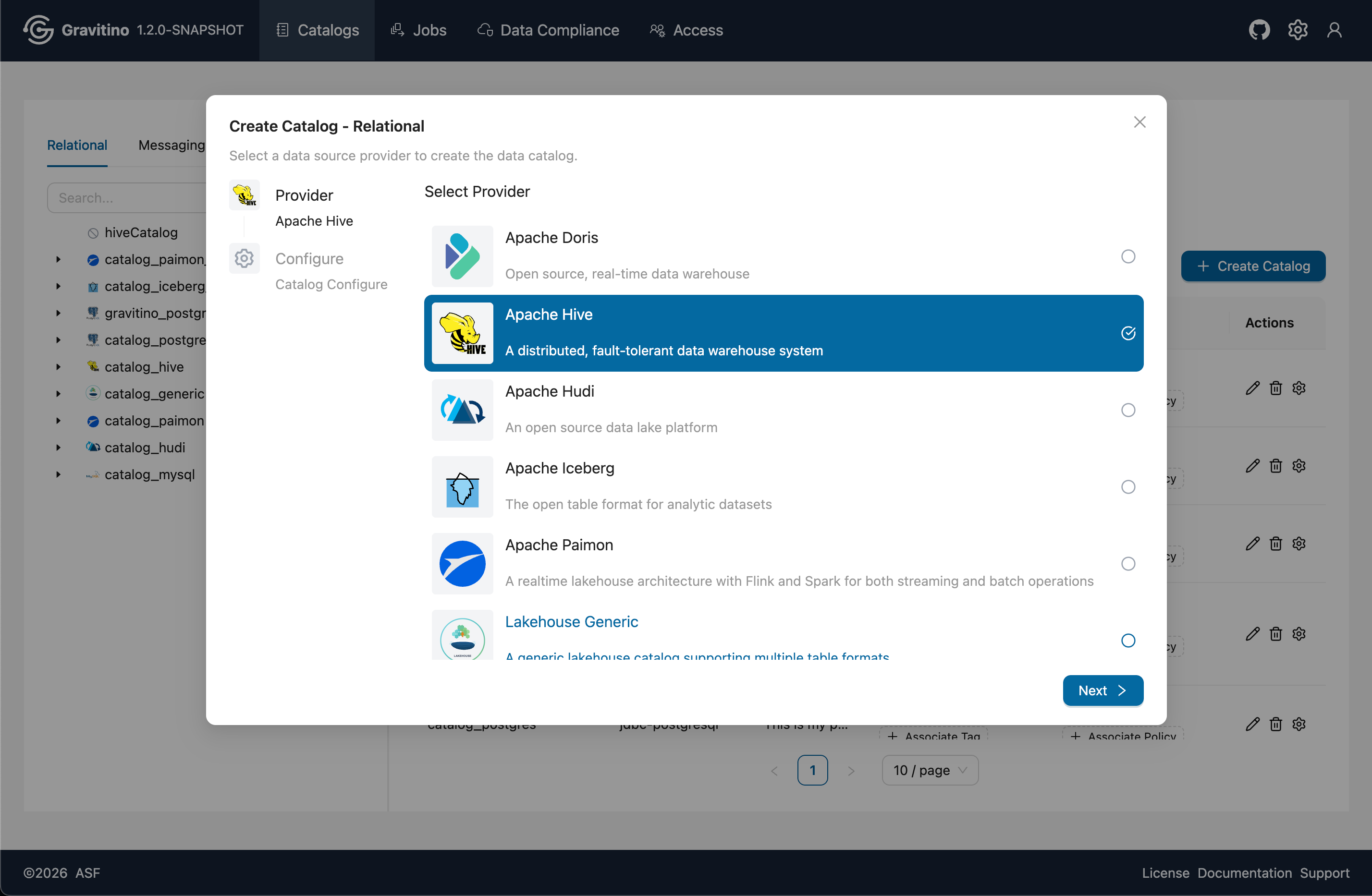
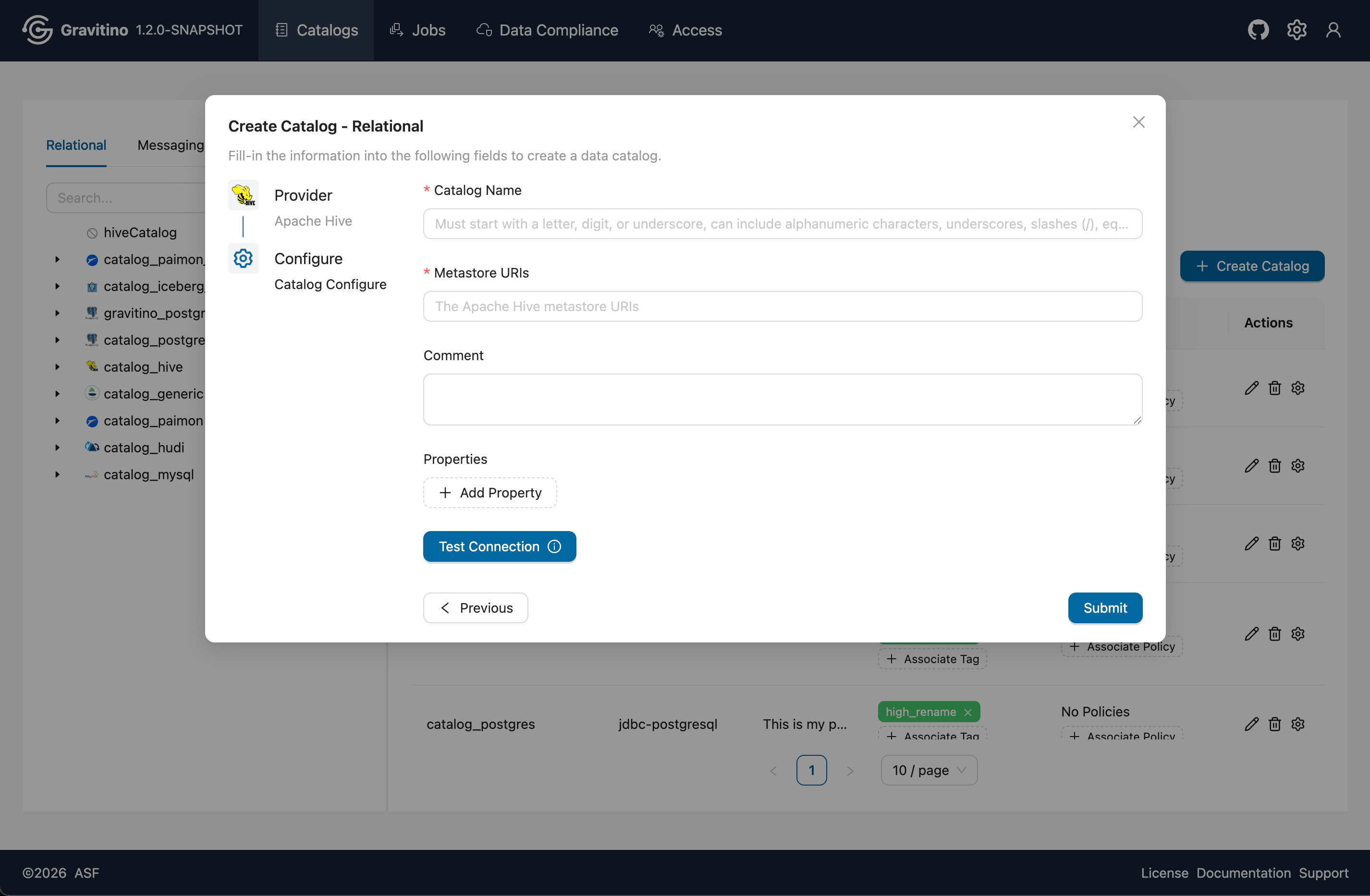
Click Create Catalog to open the creation form for the selected catalog type. In step 1, choose the provider for the selected type. Click Next to go to step 2, fill in the required properties, and submit to create the catalog. Some providers support Test Connection so you can validate connectivity before submitting.
Delete Catalog
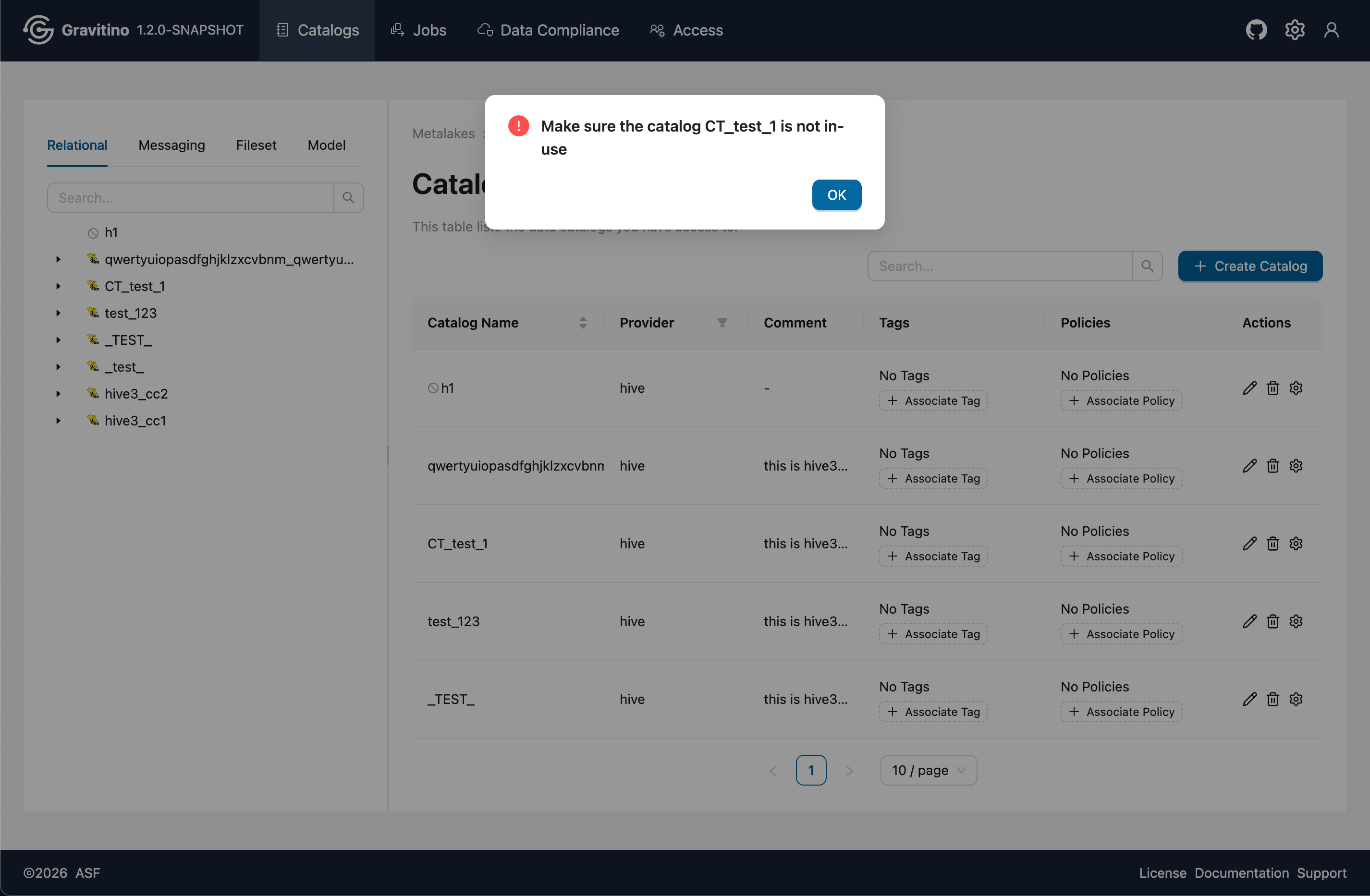
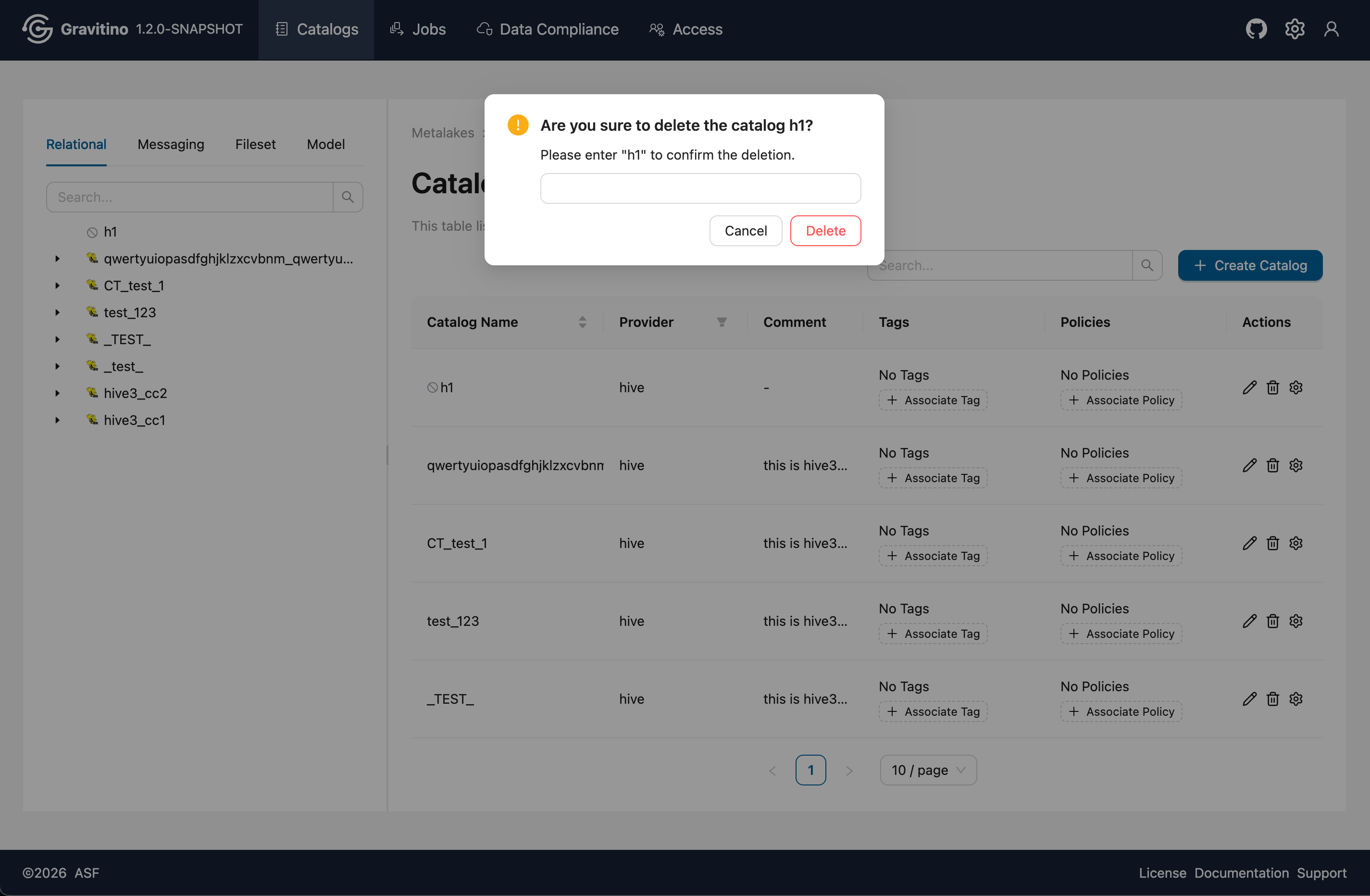
If the catalog is still in-use, the UI shows the Delete entry as shown in Figure 1 below. After switching the catalog to not in-use (see Disable Catalog), the Delete entry changes to Figure 2 below. Enter the catalog name for the second confirmation, then you can delete it.
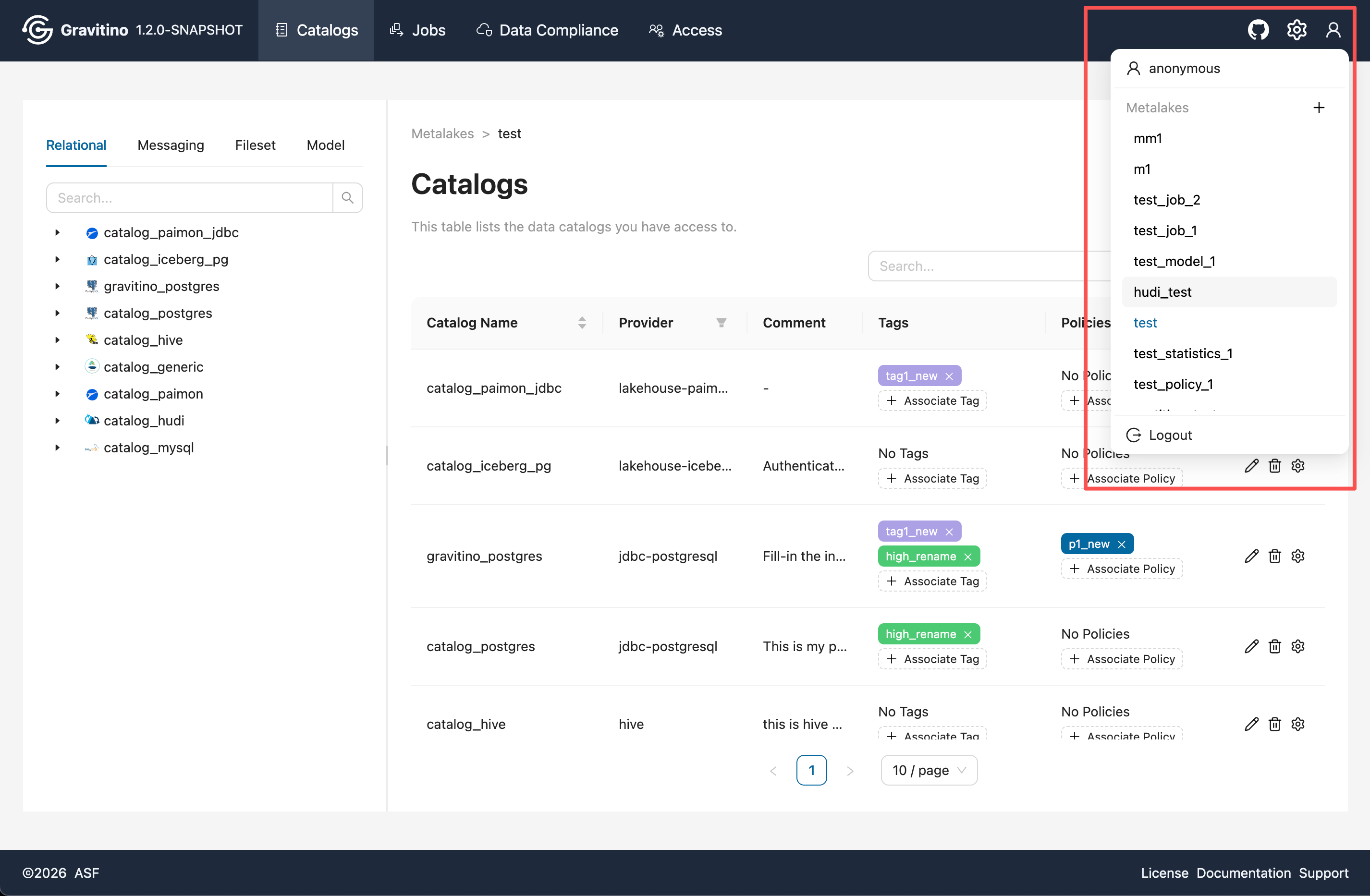
Navbar
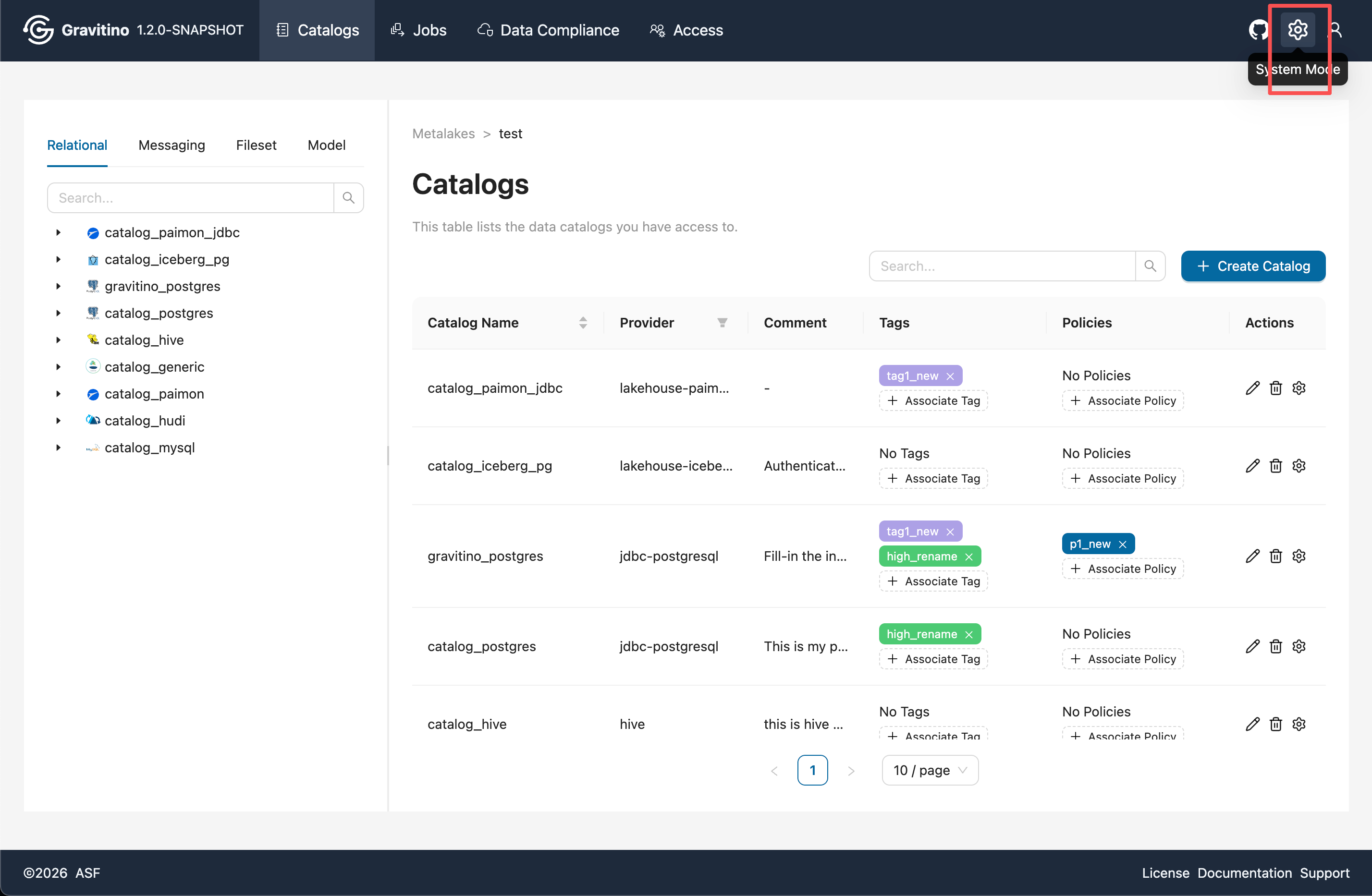
The navbar provides the following shortcuts:
- Click the System Mode icon on the right to navigate back to the metalake list page.
- The User icon dropdown shows a list of all metalake names (click to switch).
- When
gravitino.authorization.enable=true, the User icon dropdown also shows the current user name and a Logout button that returns to the login page.
Catalog Details and Schemas
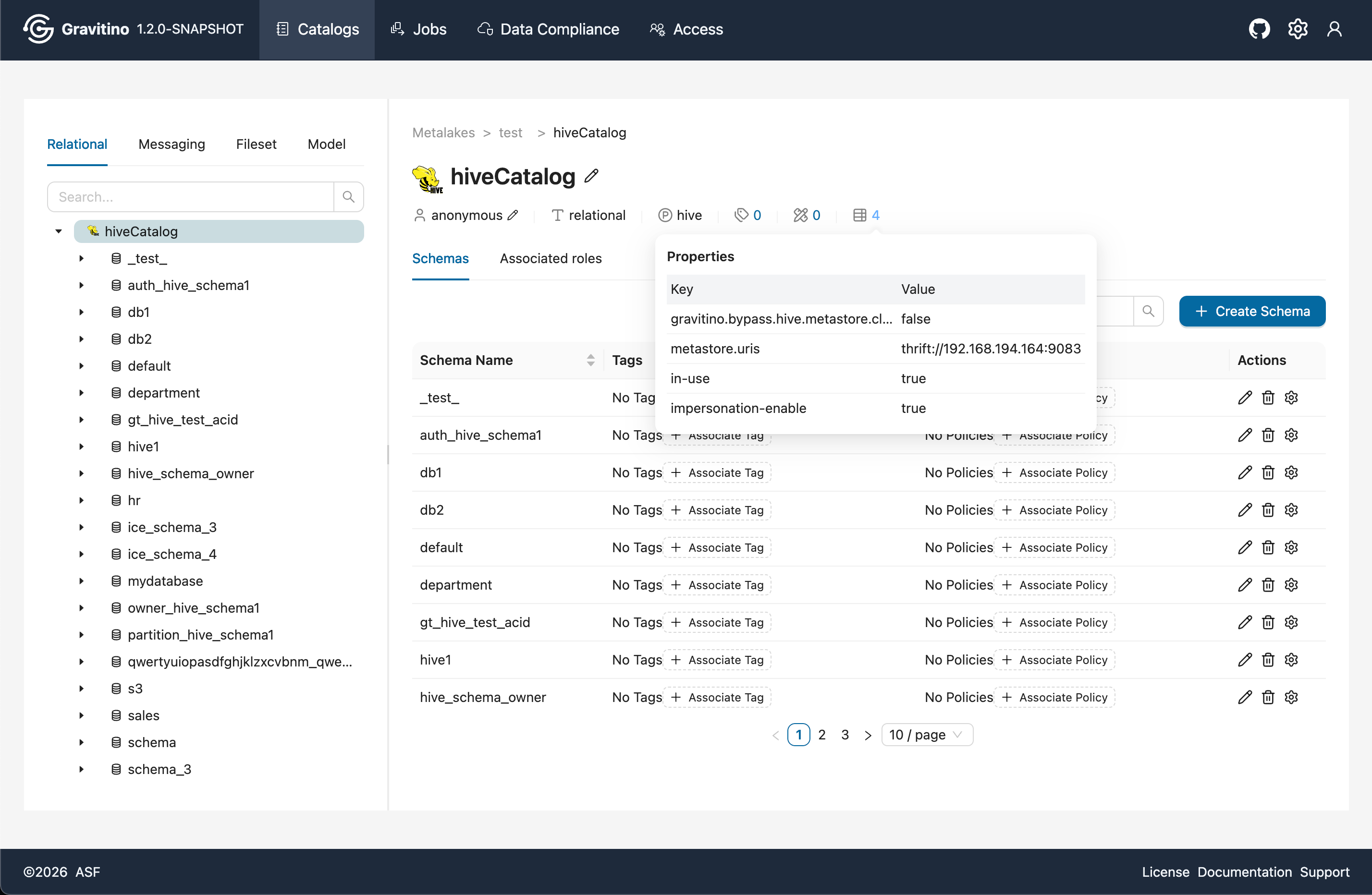
Enter the catalog details page by clicking the catalog name either from the left tree or from the catalog name in the right list. The catalog name shows basic catalog information underneath it. Hover over the highlighted numbers to open a popover with more details.
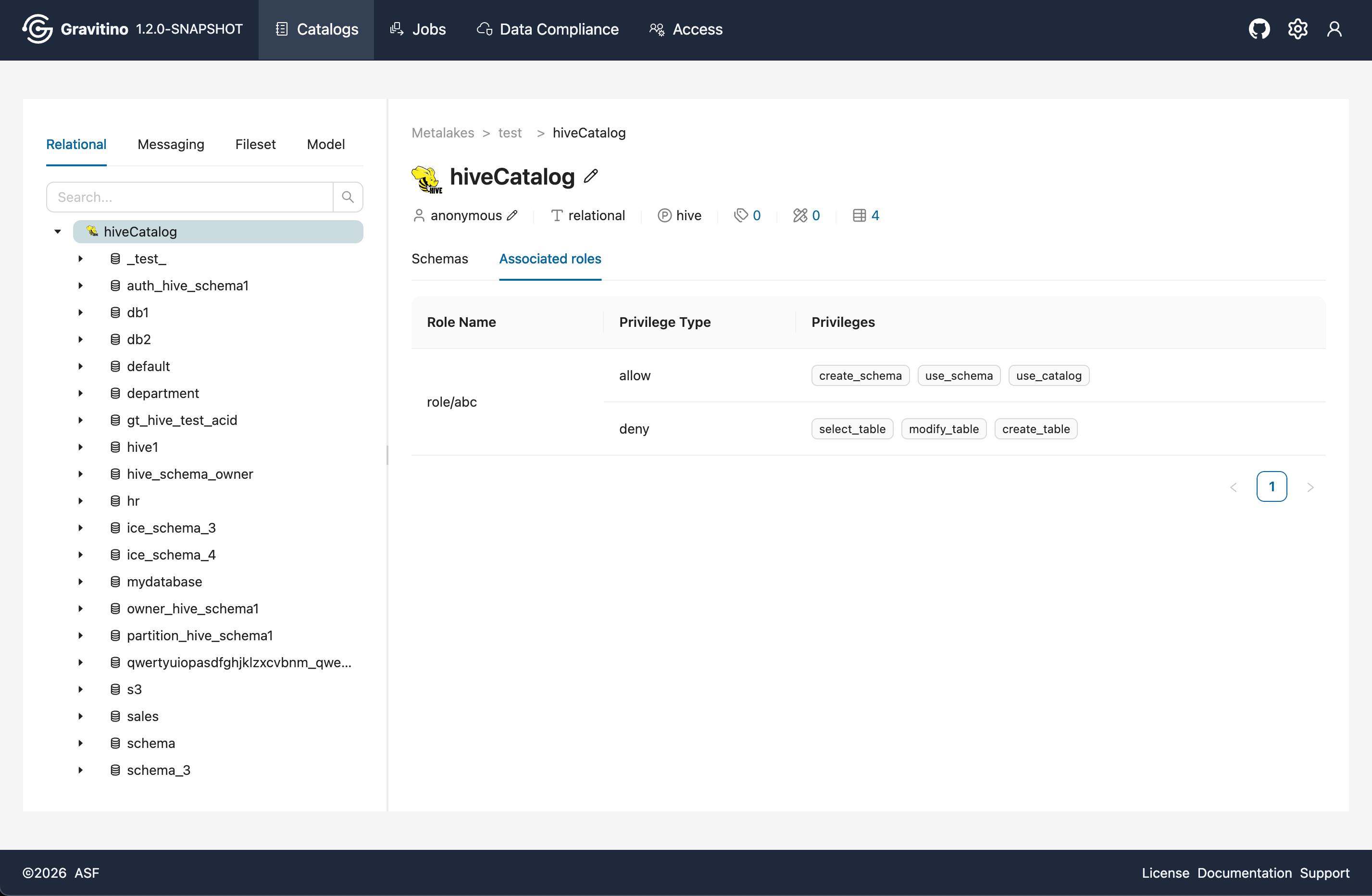
Below the catalog information, the page shows the Schemas list and the catalog's Associated Roles. The Associated Roles section is visible only when gravitino.authorization.enable=true, and it lists the role name and its privileges.
Schemas List
Overview for Schemas in the Web V2.
Associated Roles
Overview for Associated Roles in the Web V2. (visible only when gravitino.authorization.enable=true)
The Apache Gravitino Spark connector supports loading user-defined functions (UDFs) registered
in the Gravitino function registry. Once a function is
registered in Gravitino, Spark can discover and
invoke it through standard Spark SQL syntax — no additional CREATE FUNCTION statement is needed.
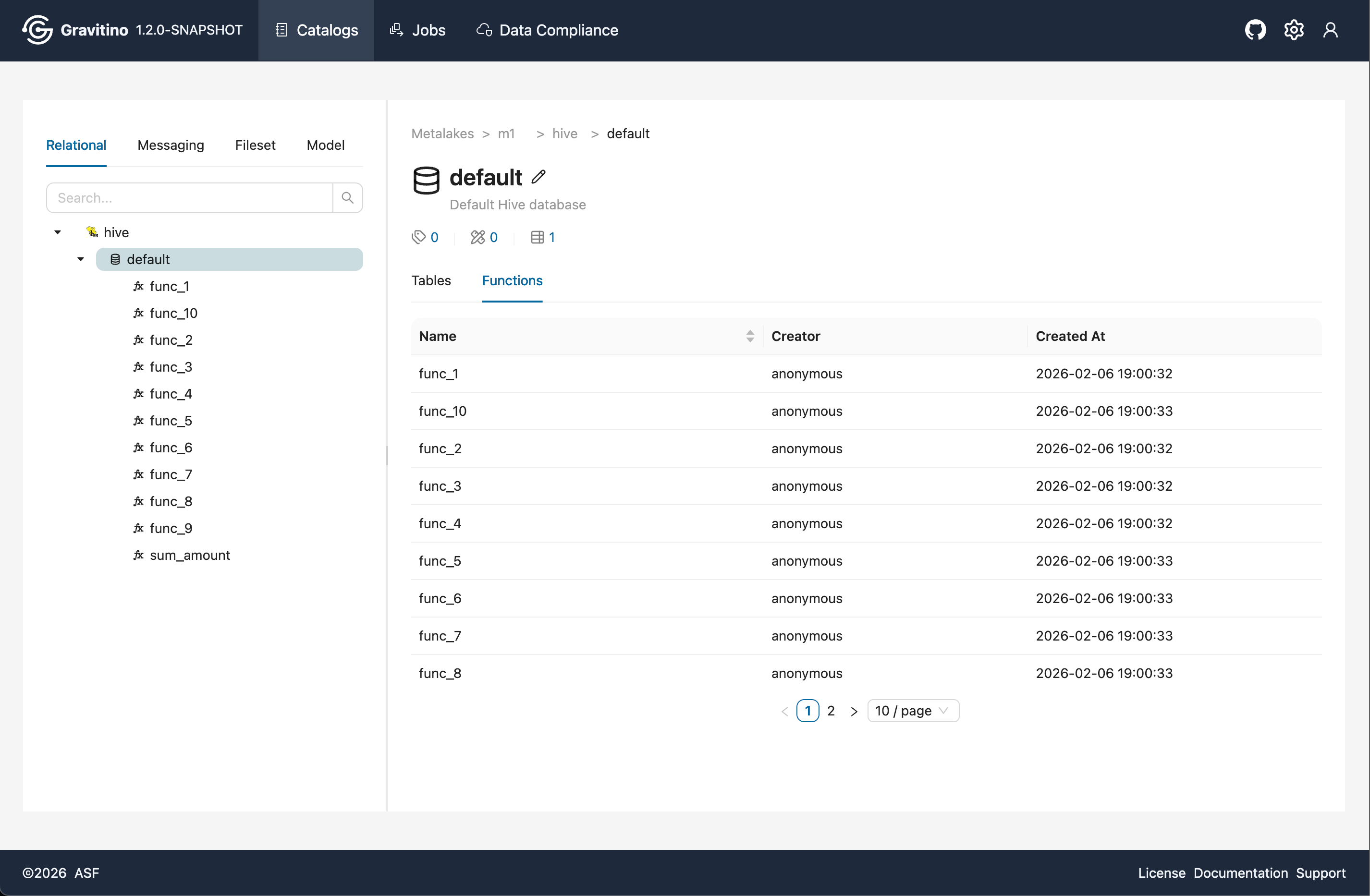
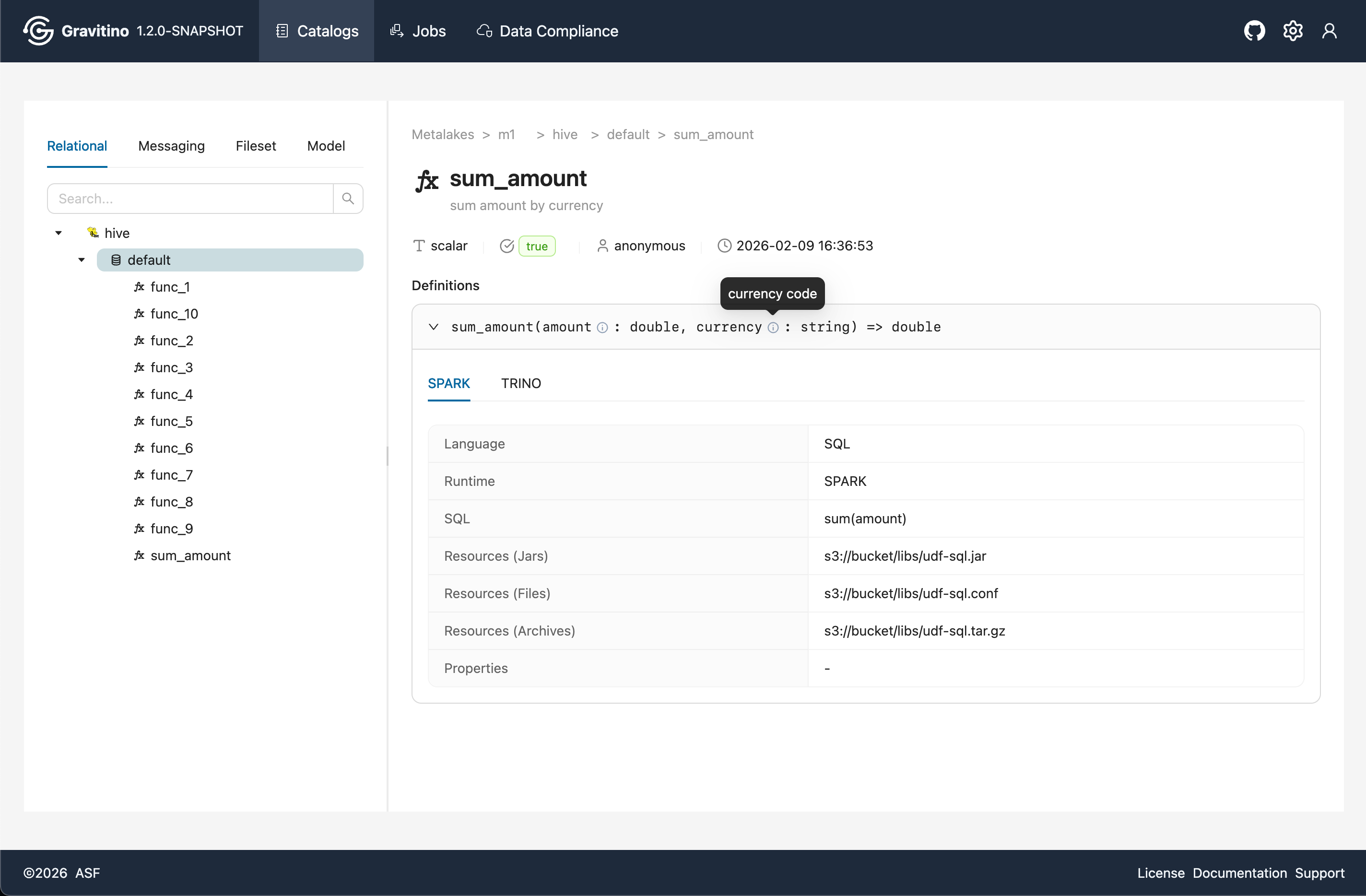
If a UDF is registered, you can see a Functions list tab on the schema details page.
Click a function tree node or a function name in the list to view detailed parameters for the function definition.
Tables
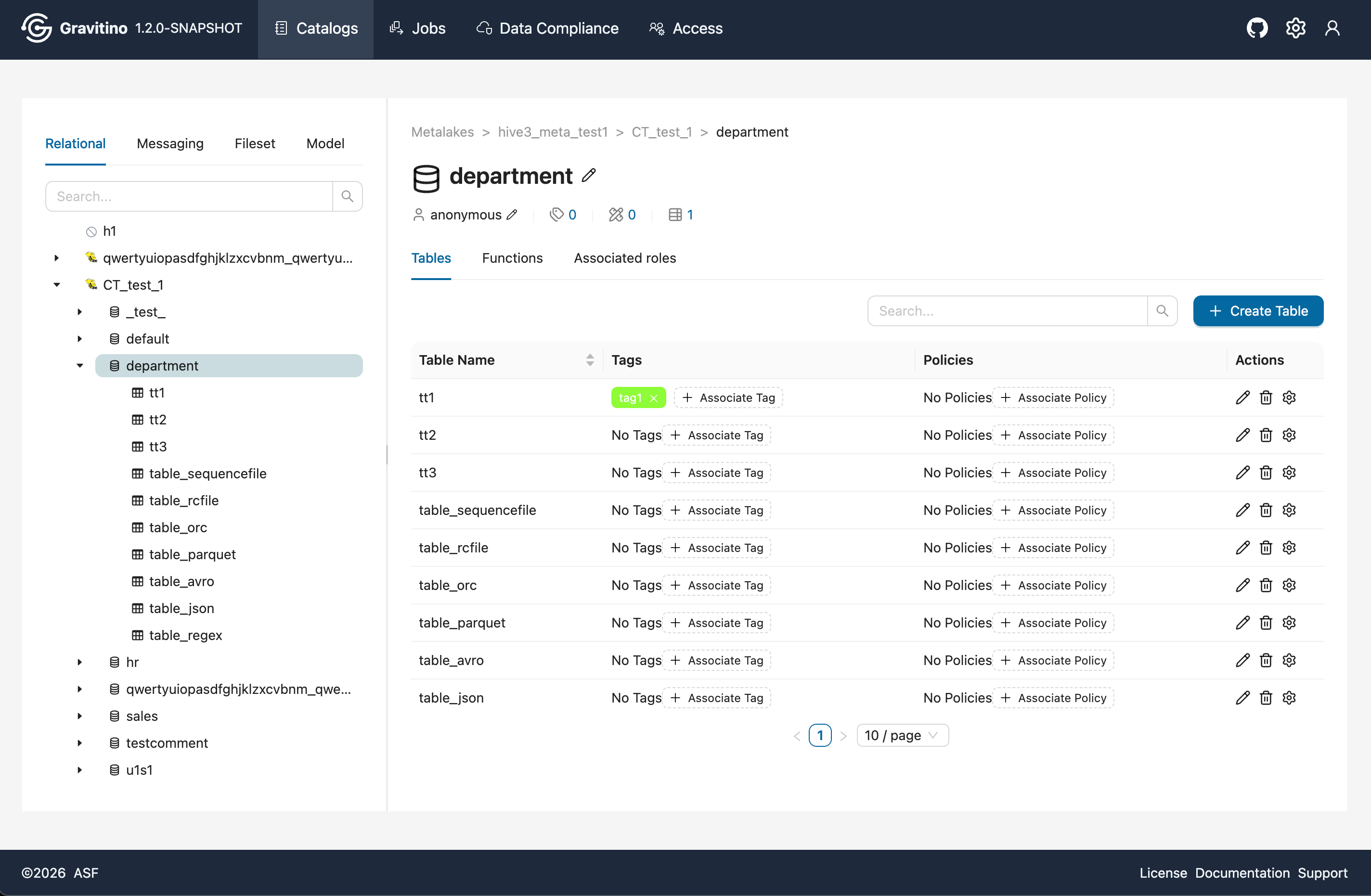
Overview for Table in the Web V2.
Create Table
In the Schema details page, the list shows all tables under the selected schema. Click Create Table to open the table creation form.
In the form, add columns and select column types. The Web V2 supports composite inputs for char, varchar, and decimal. Some complex types are supported (for example list, map, struct, union) depending on the provider.
Depending on the provider, you can configure Partitions, Sort Orders, and Distribution.
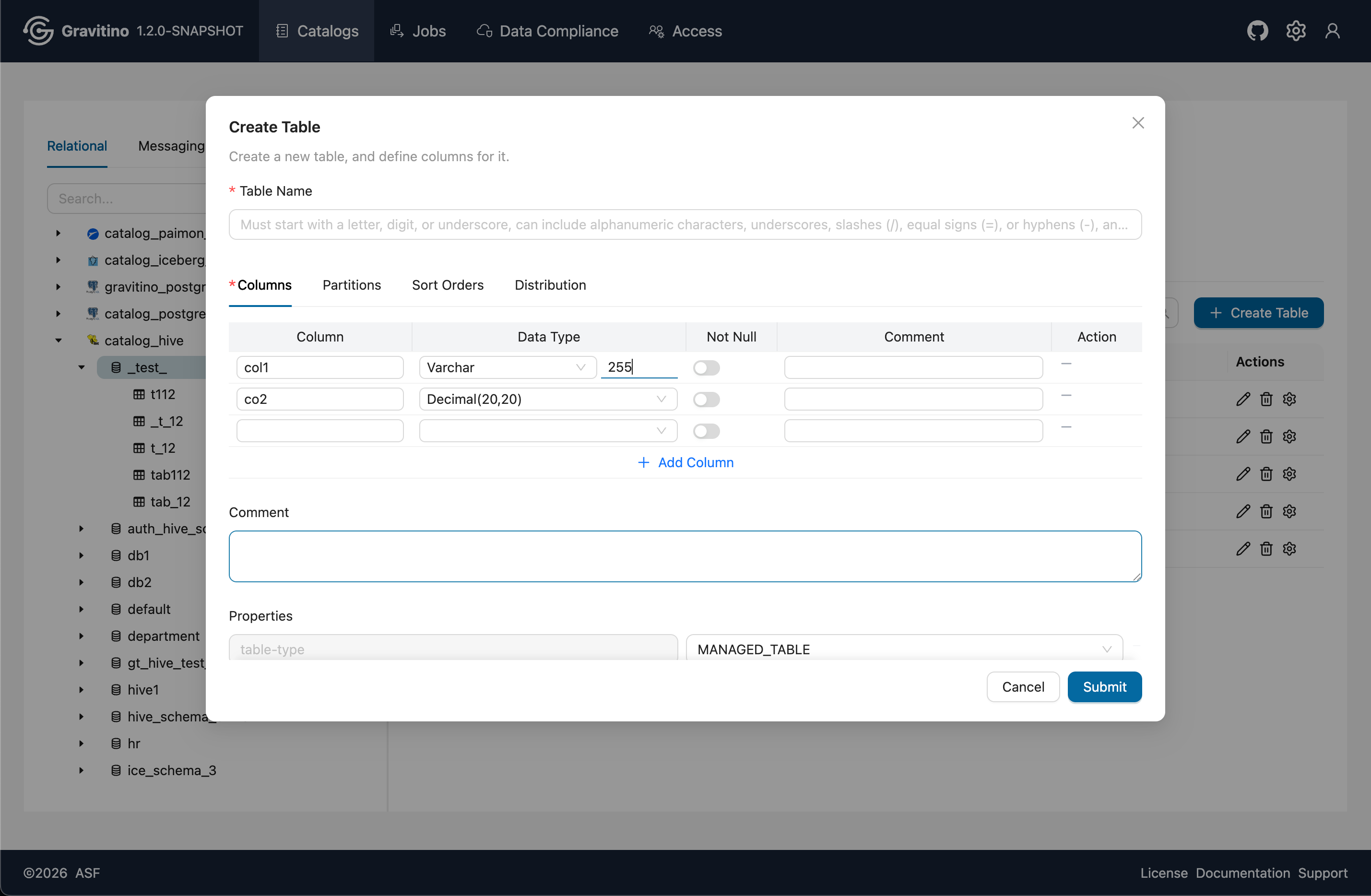
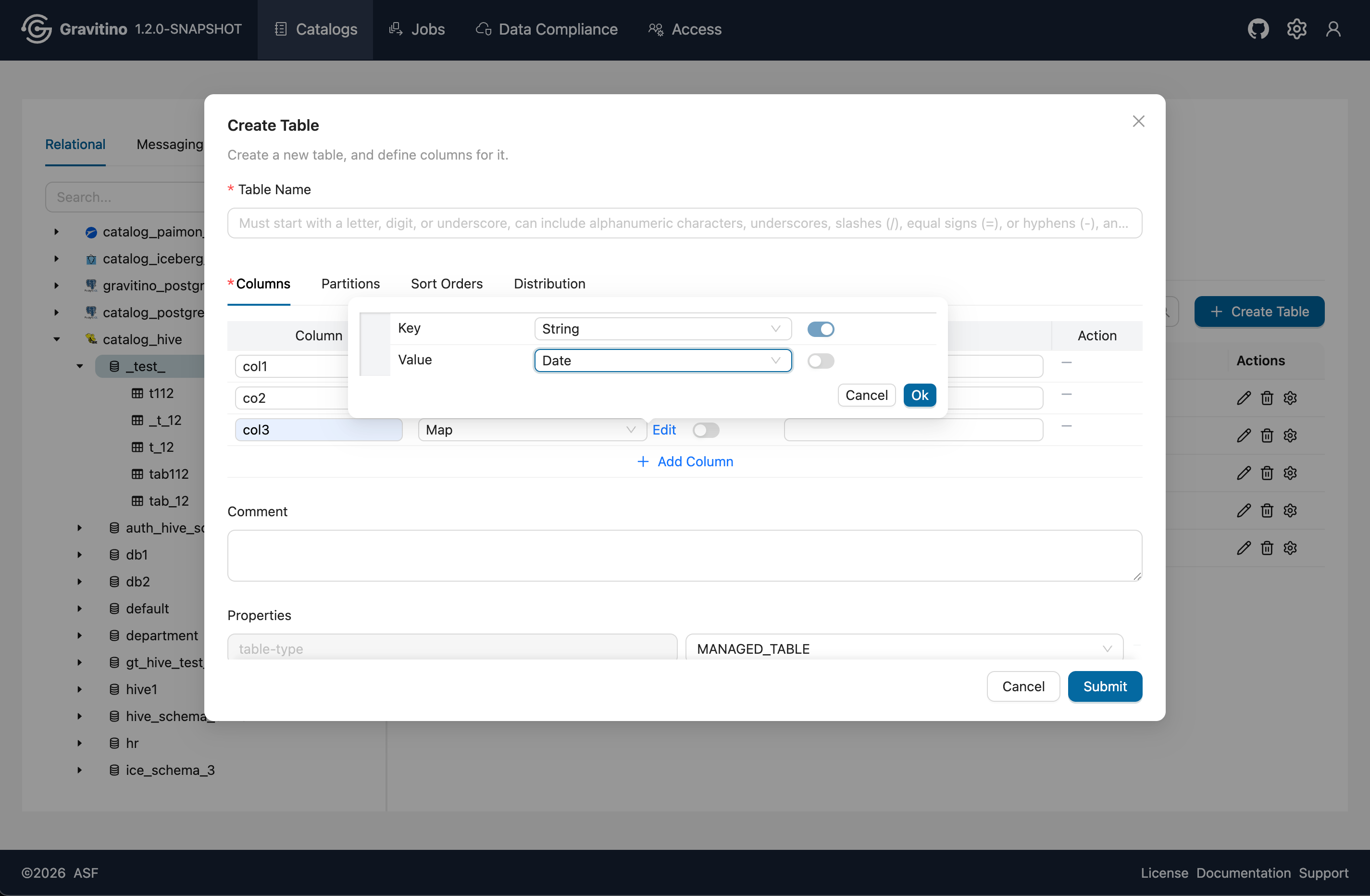
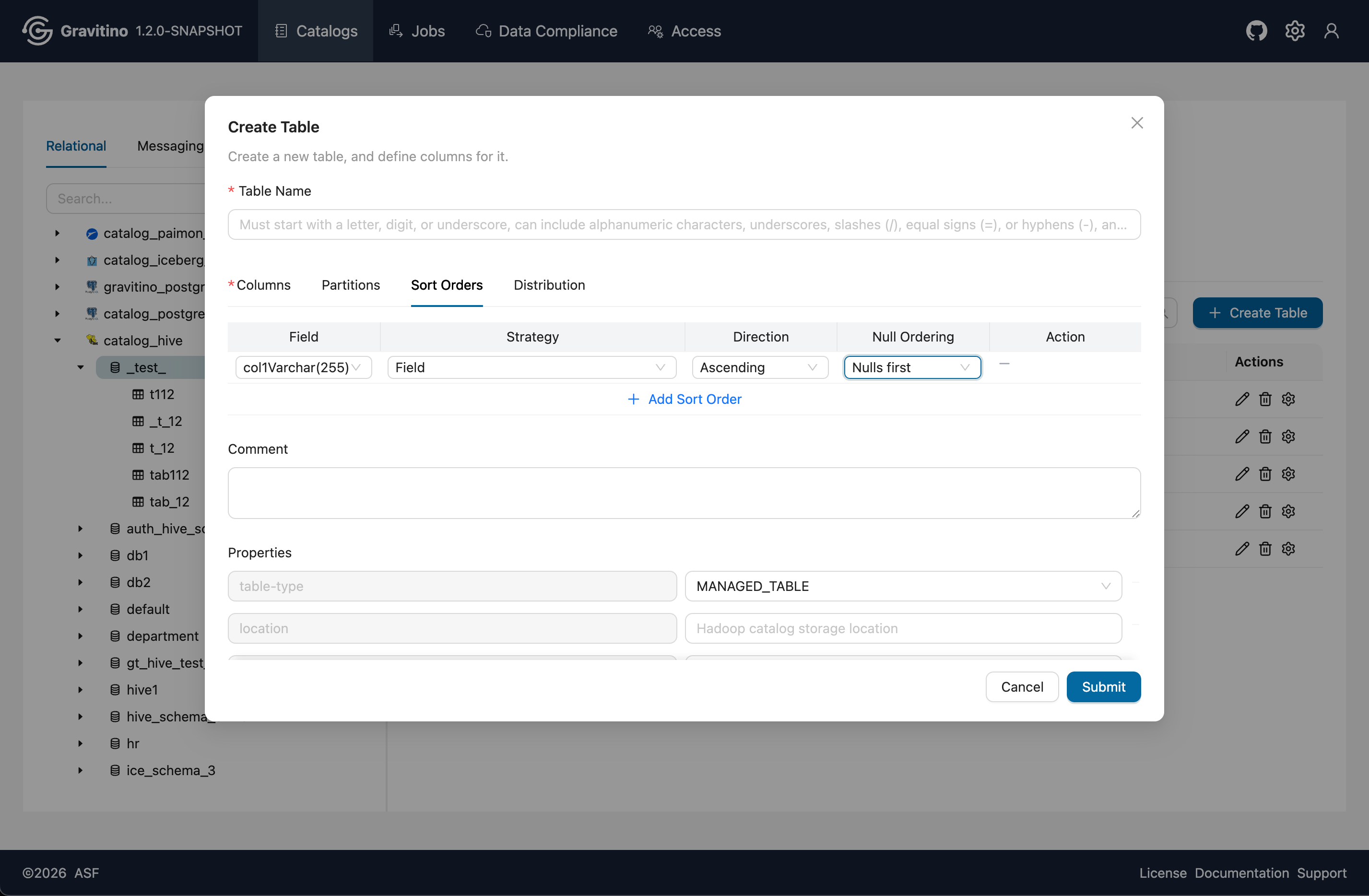
In Properties, default values are prefilled and can be changed. Reselect and update the values before submitting.
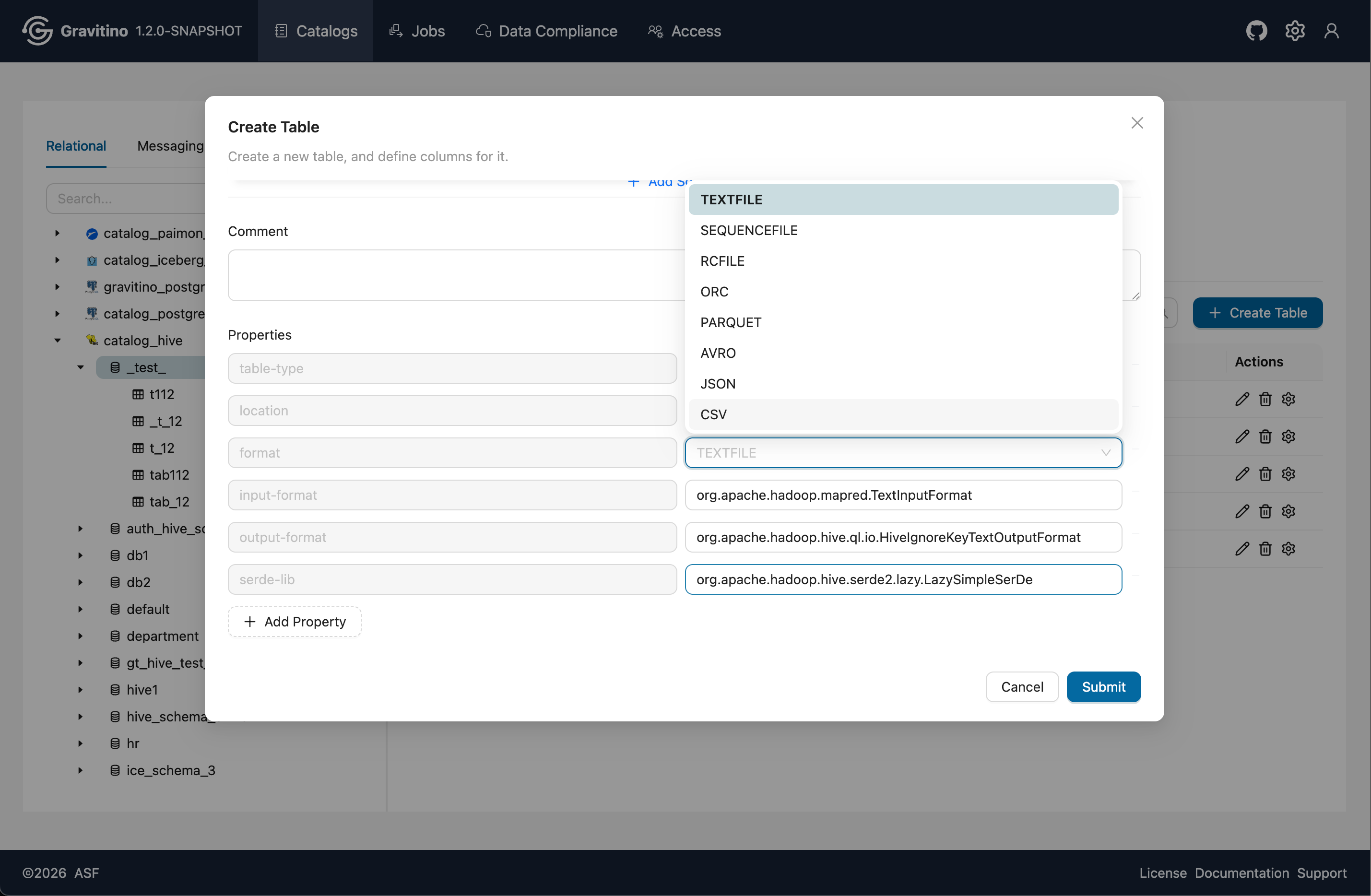
Submit the form to create a complex table.
Filesets
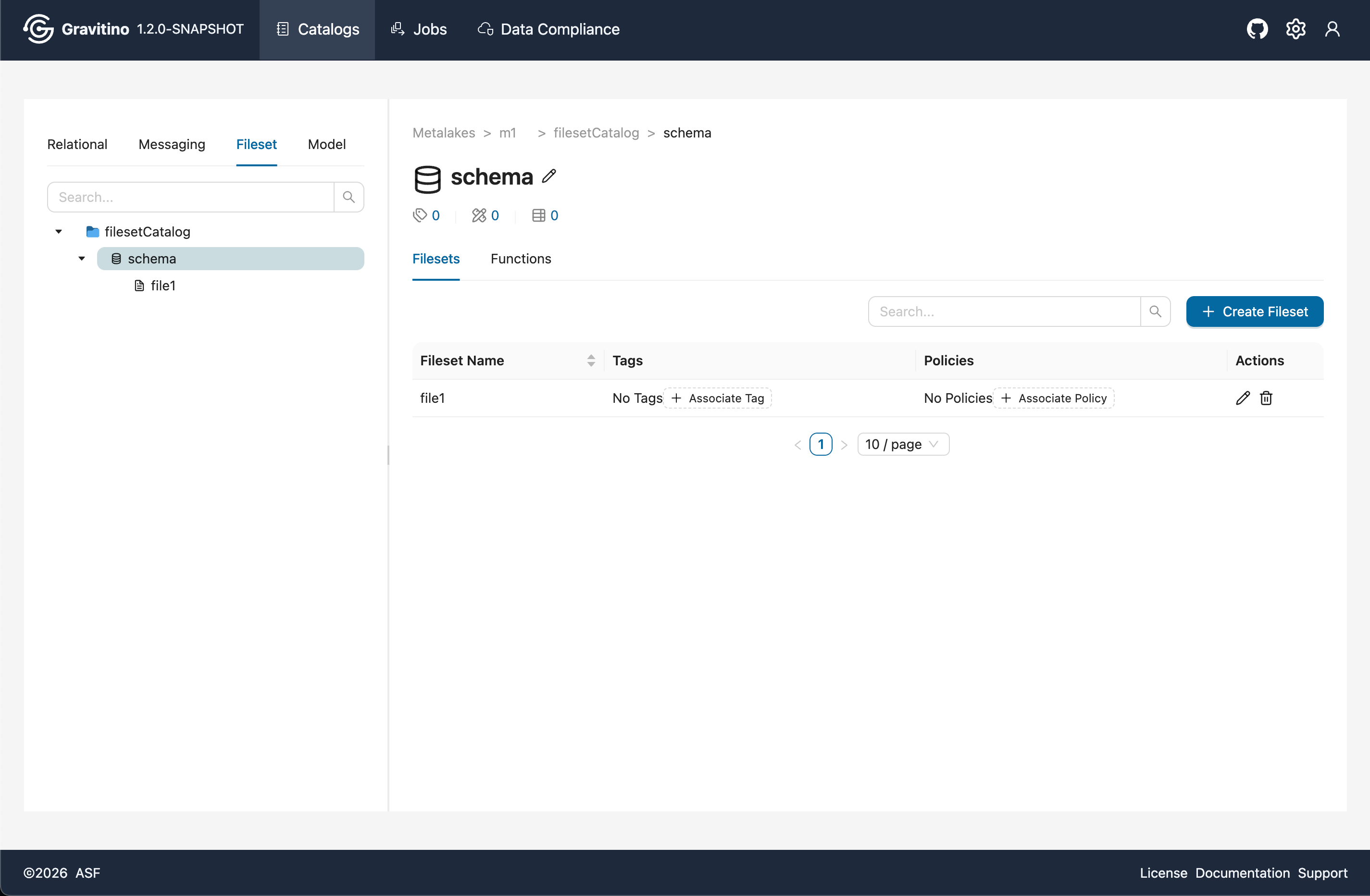
Overview for Fileset in the Web V2.
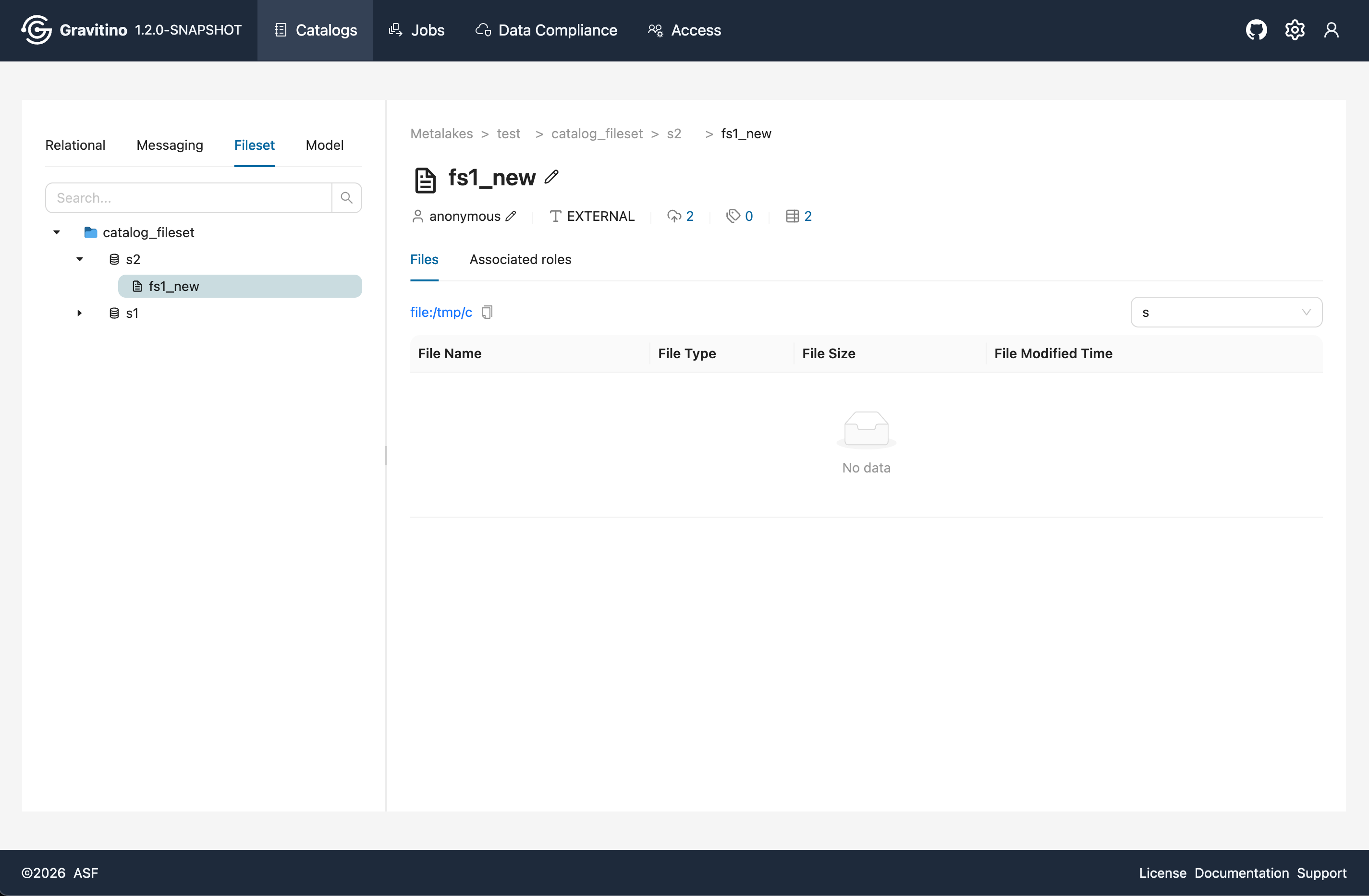
Overview for files under fileset in the Web V2.
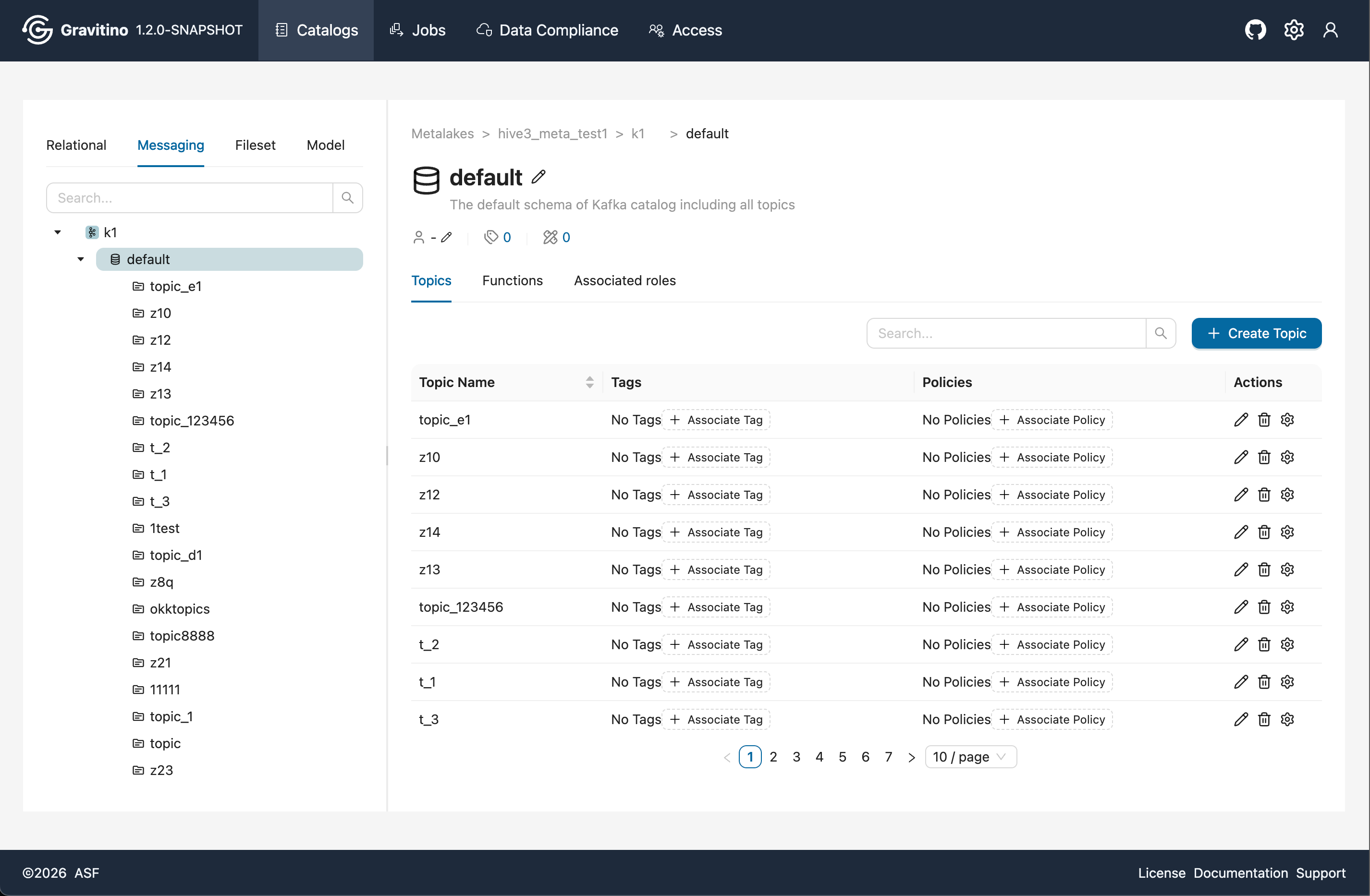
Topics
Overview for Topic in the Web V2.
Models
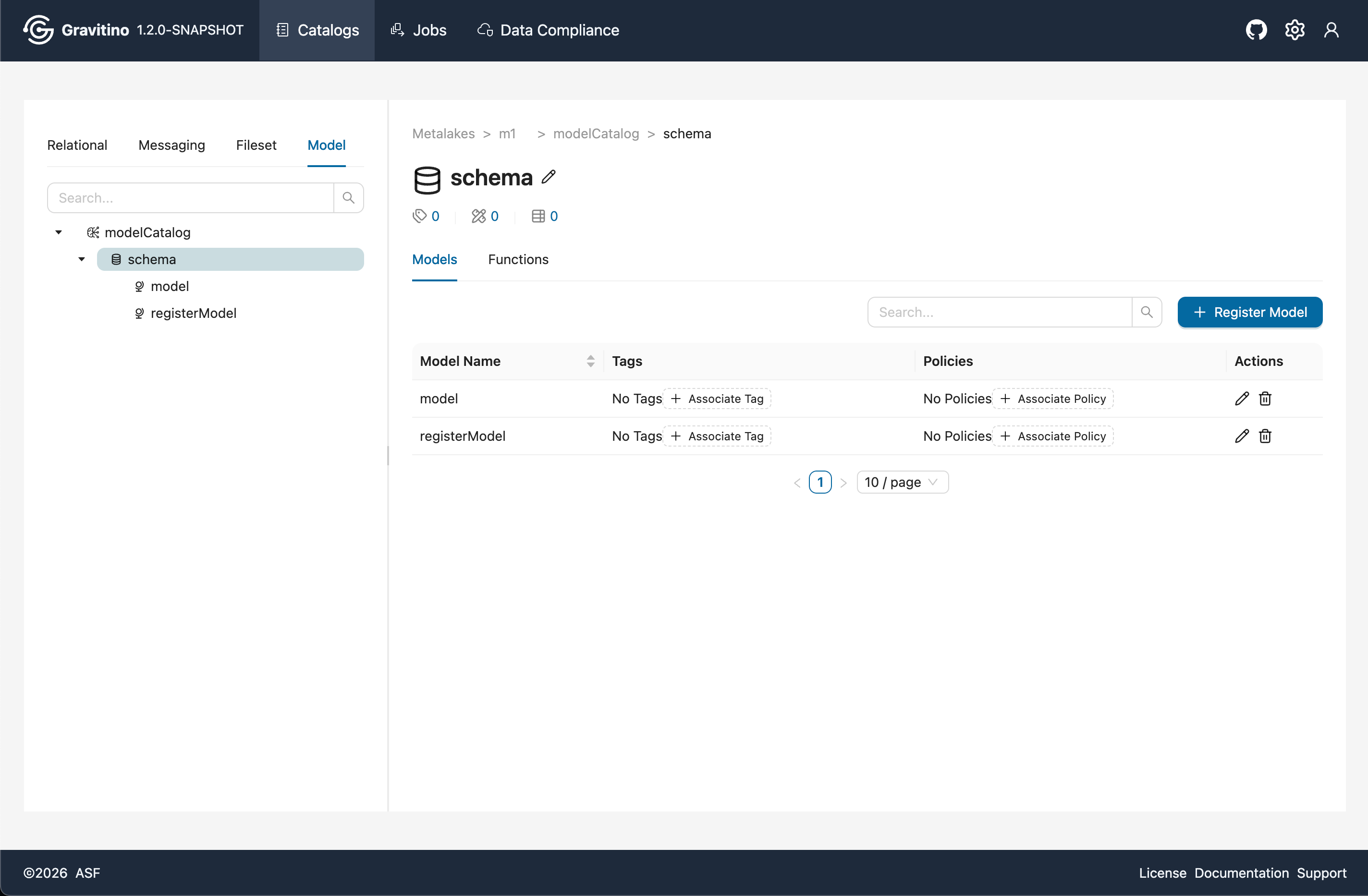
Overview for Model in the Web V2.
Versions
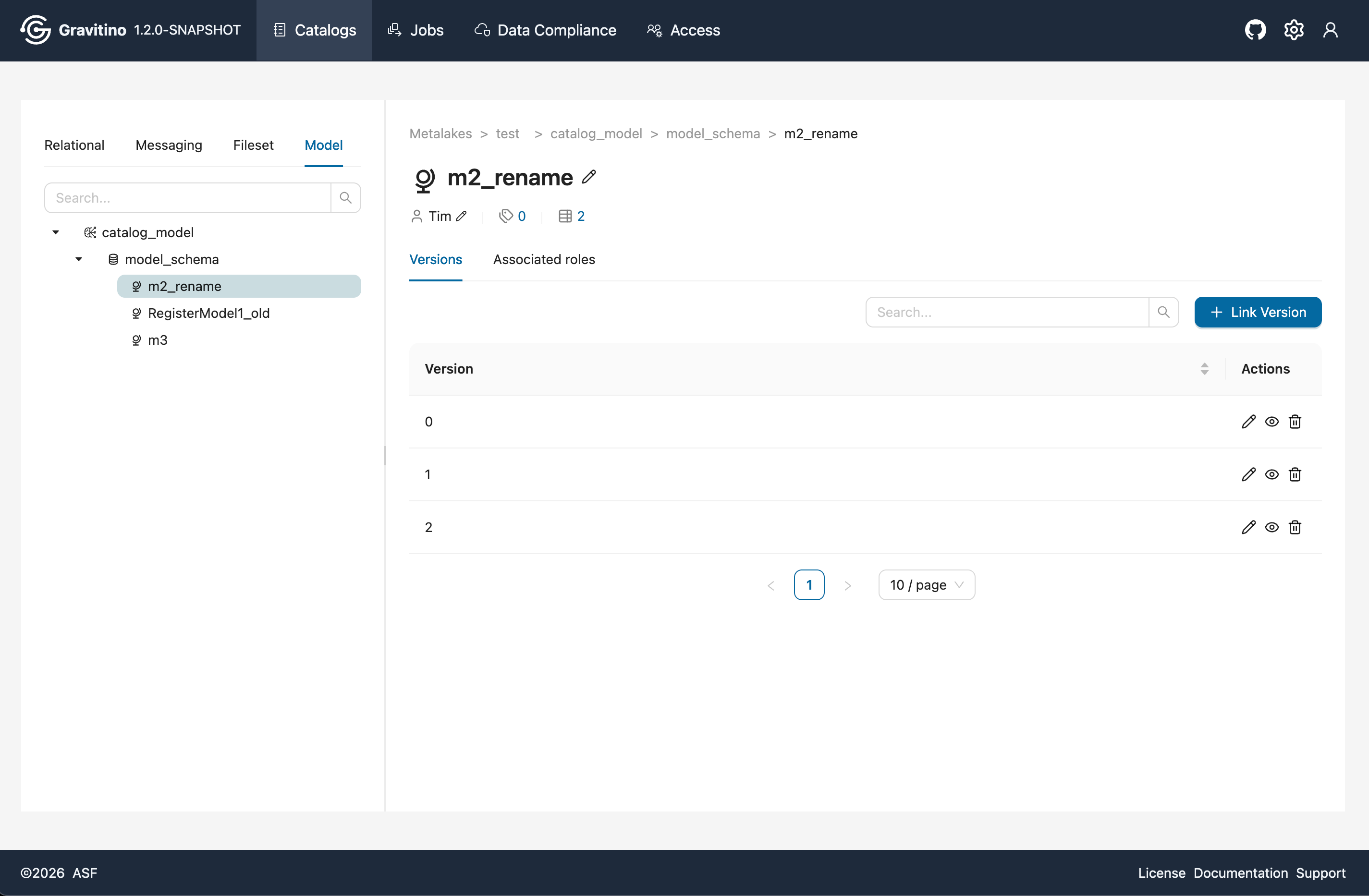
Overview for Version in the Web V2.
Jobs
Overview for Job in the Web V2.
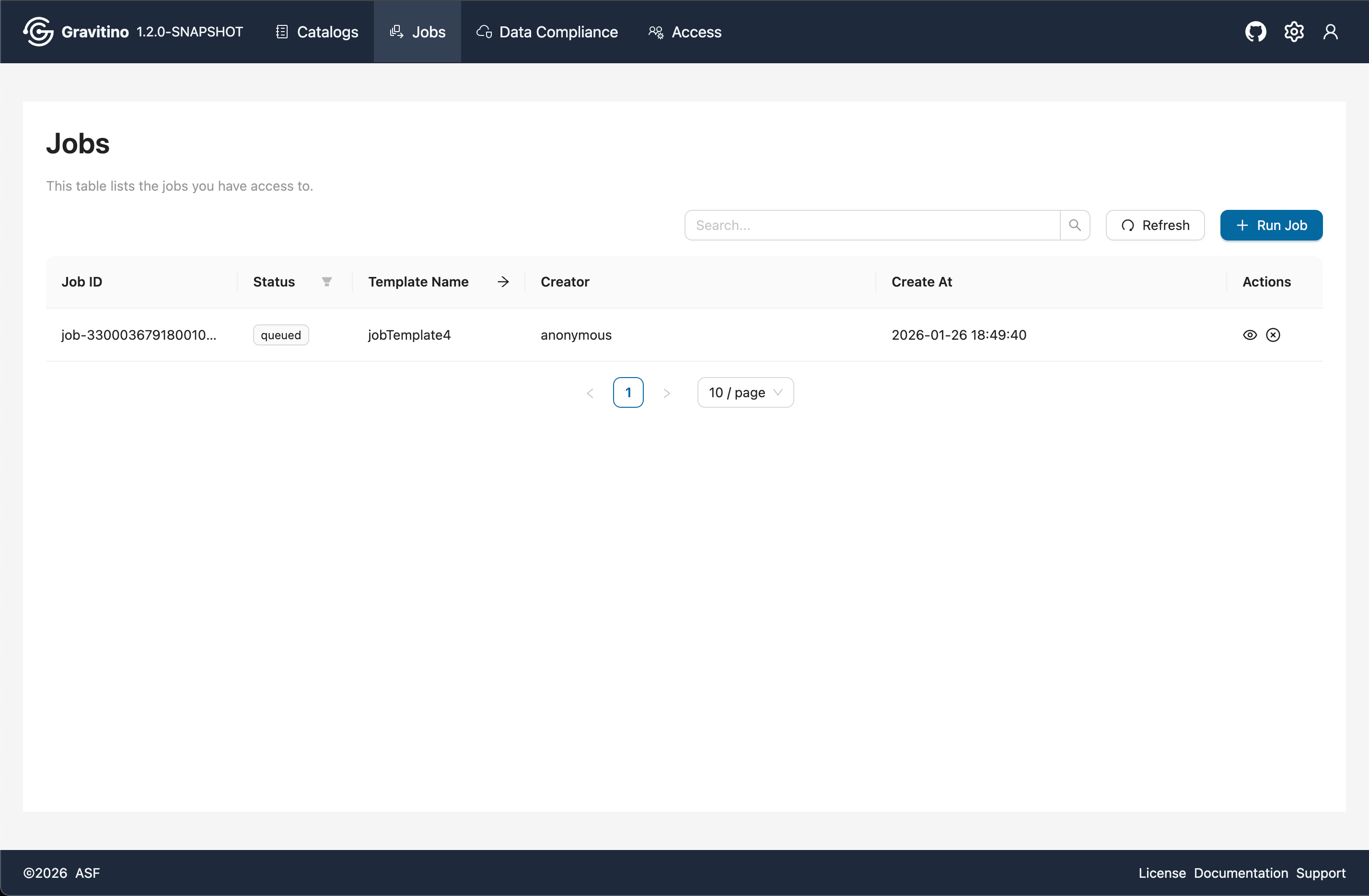
Run Job
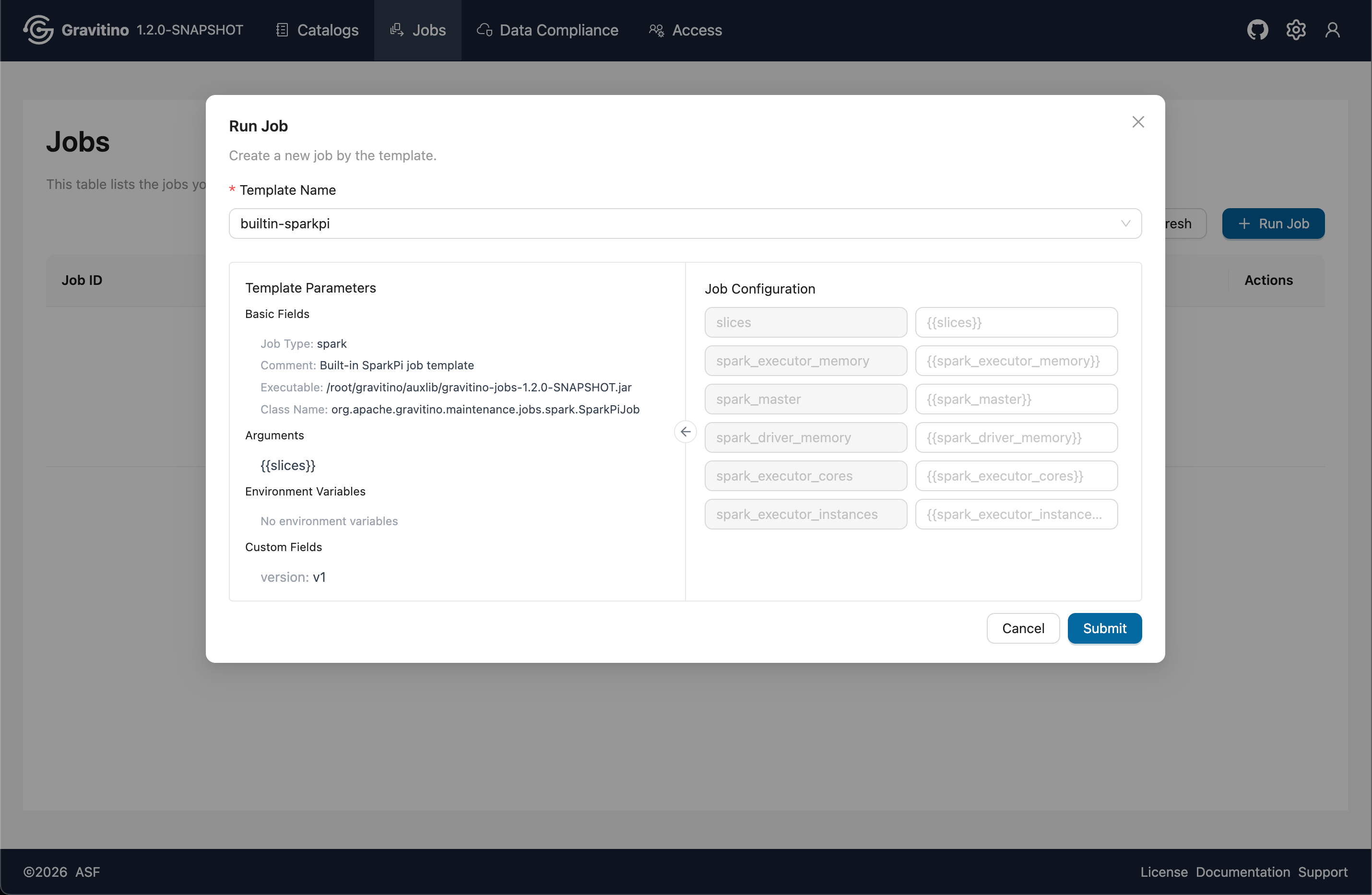
Click Run Job, select a job template, and review the template parameters on the left. On the right, use Job Configuration to replace the template placeholders defined with {{}}. After the replacements, the final job script is generated and executed.
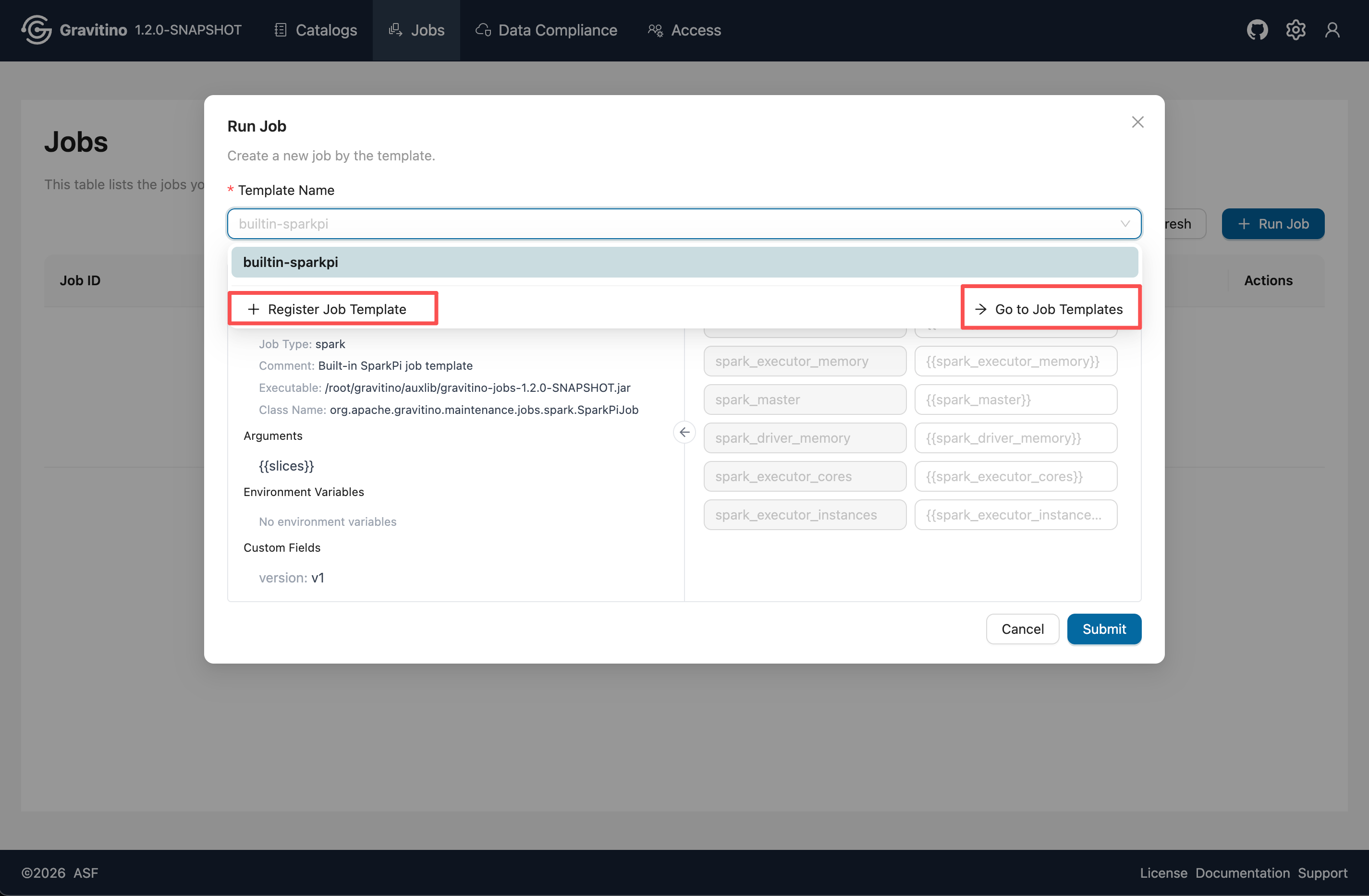
In the job template select dropdown, you can choose Register Job Template to create a new template, or click Go to job templates to navigate to the job template list page.
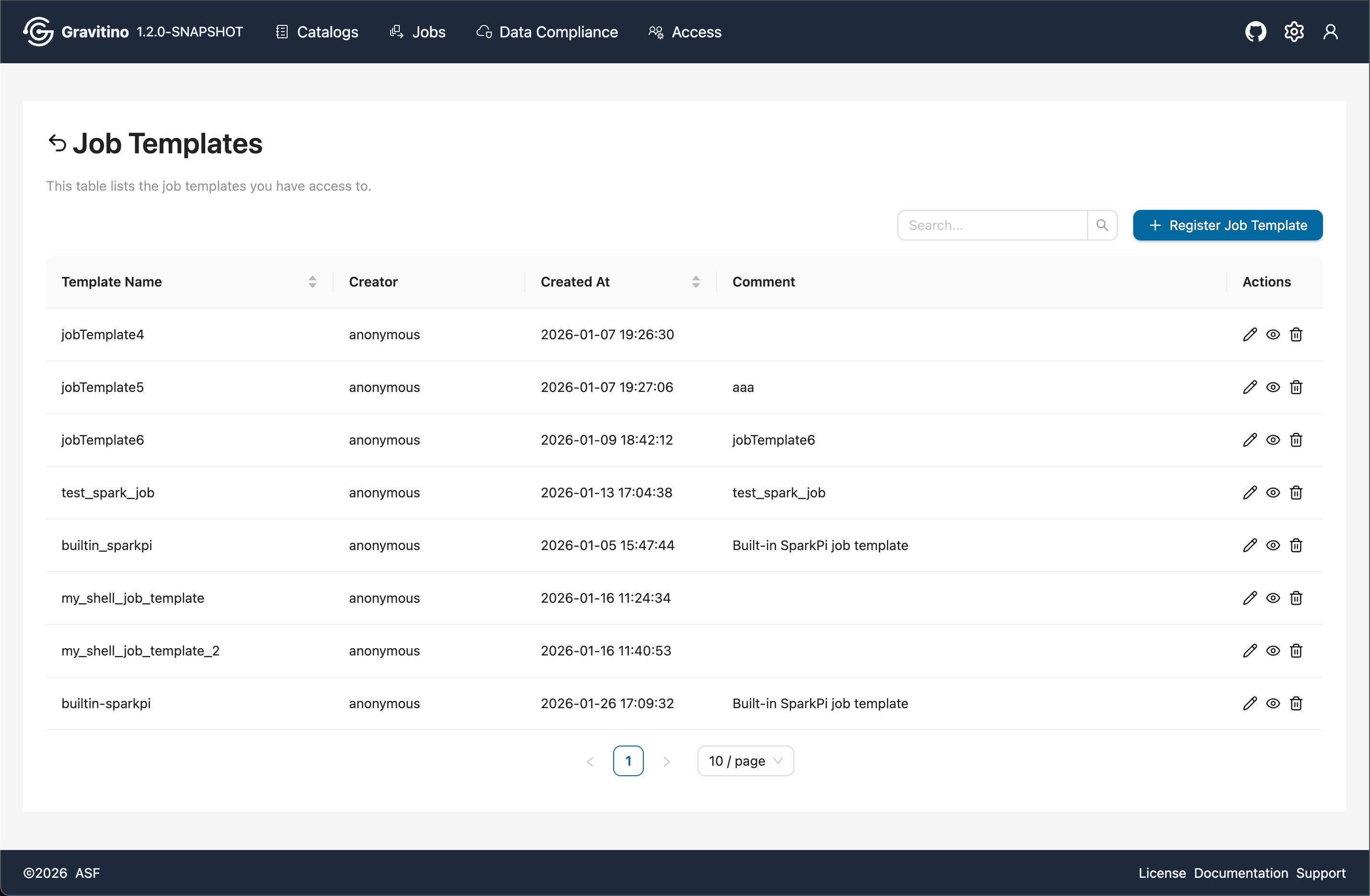
Job Templates
Overview for Job Template in the Web V2.
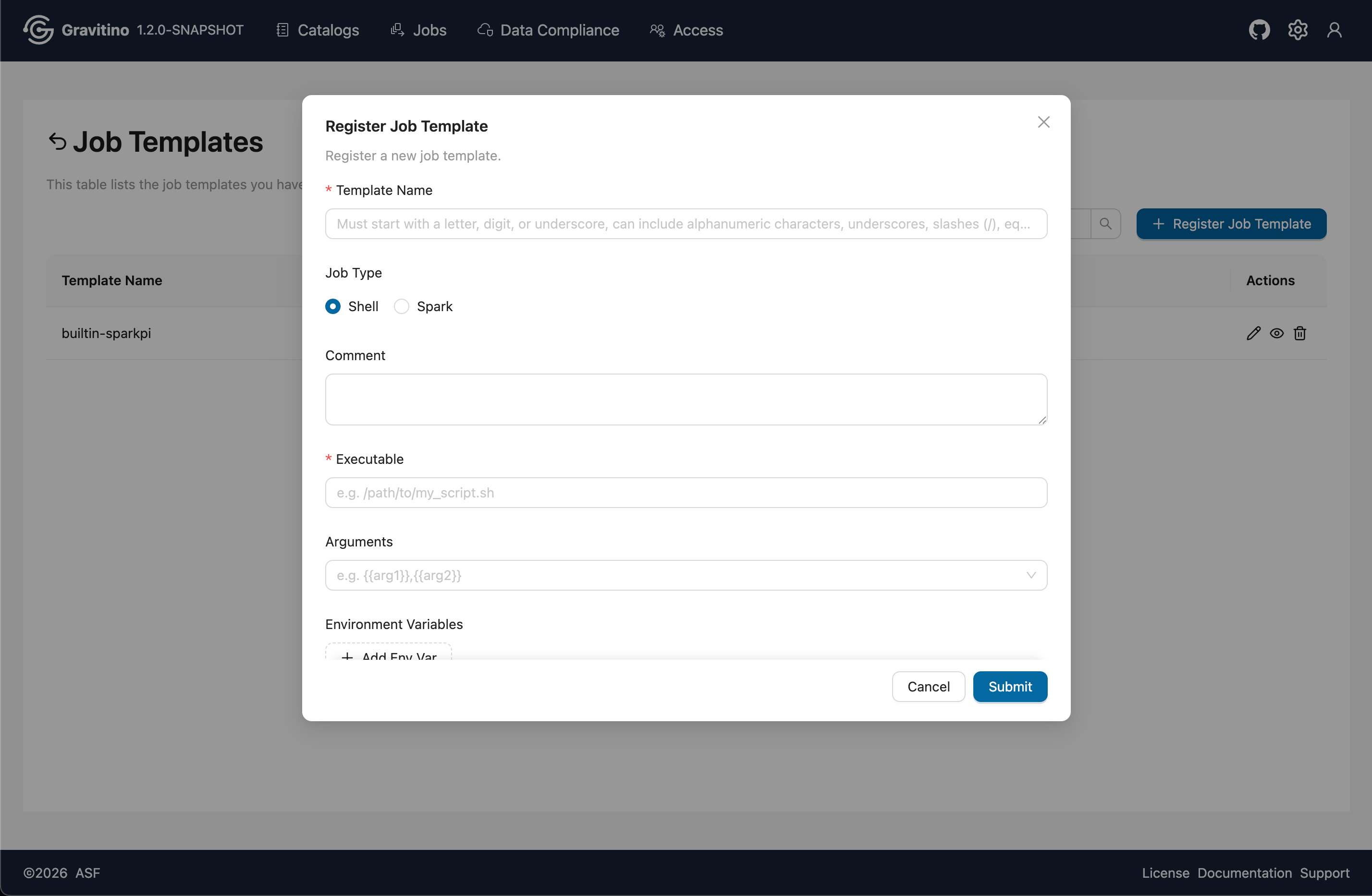
Register Job Template
Click Register Job Template to open the create template form. Choose a job type, fill in the required fields, and submit to register the template.
Tags
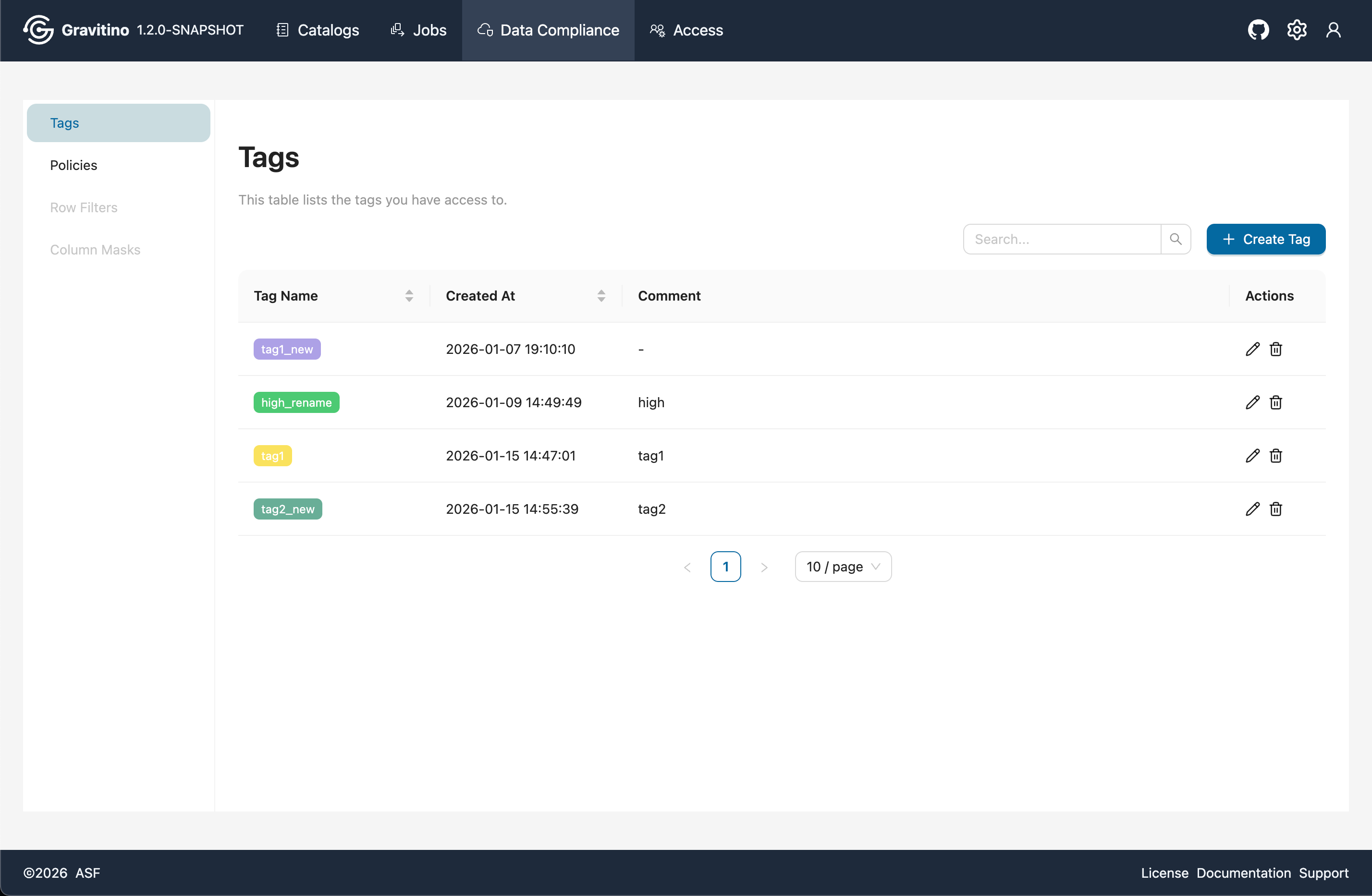
Overview for Data Compliance Tags in the Web V2.
Create Tag
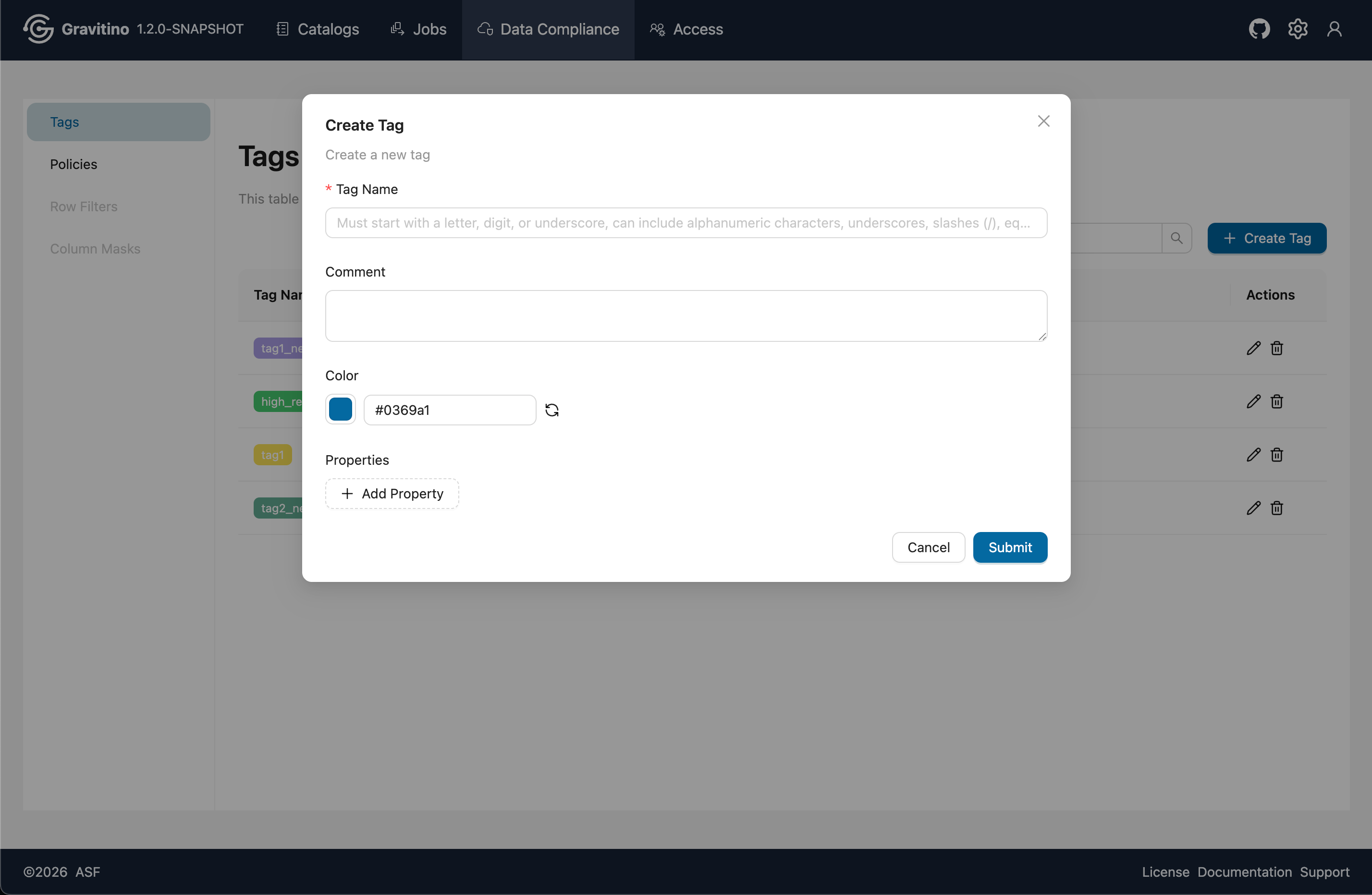
Click Create Tag to open the create form. Fill in the required fields and submit to create a tag.
Tag Metadata Objects
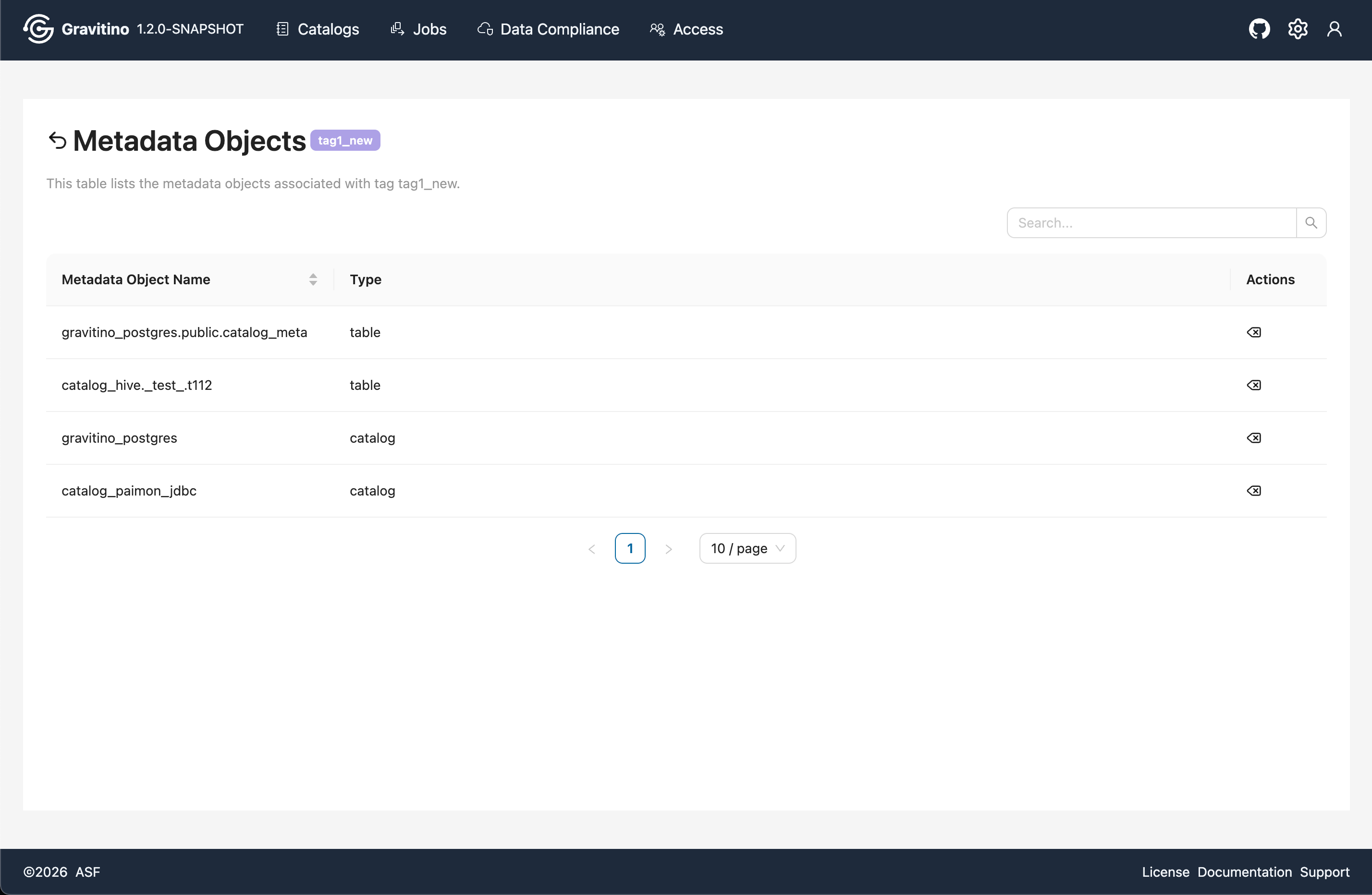
Click a tag to navigate to the Metadata Objects page, which lists all metadata objects associated with the selected tag.
Policies
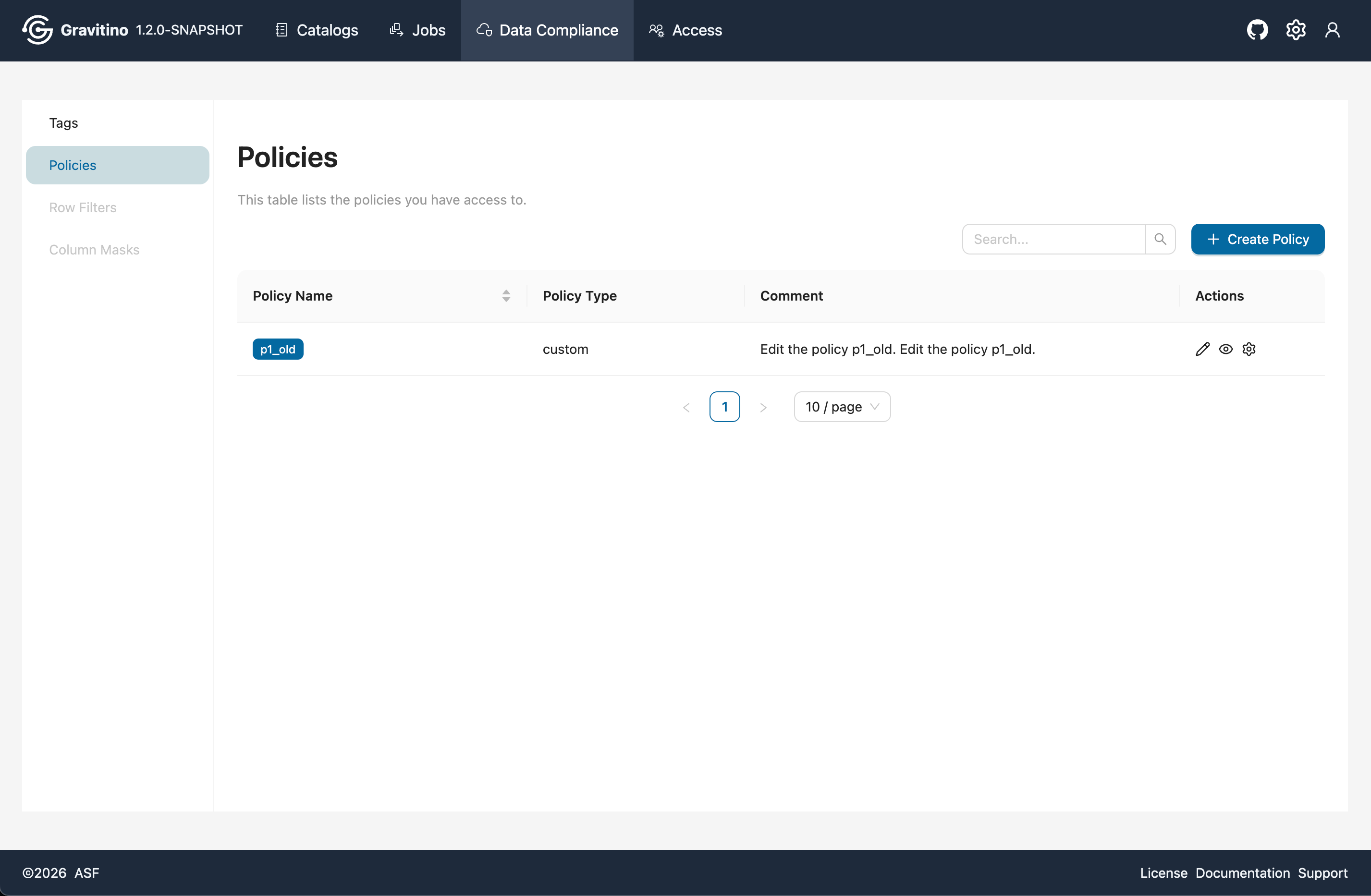
Overview for Data Compliance Policies in the Web V2.
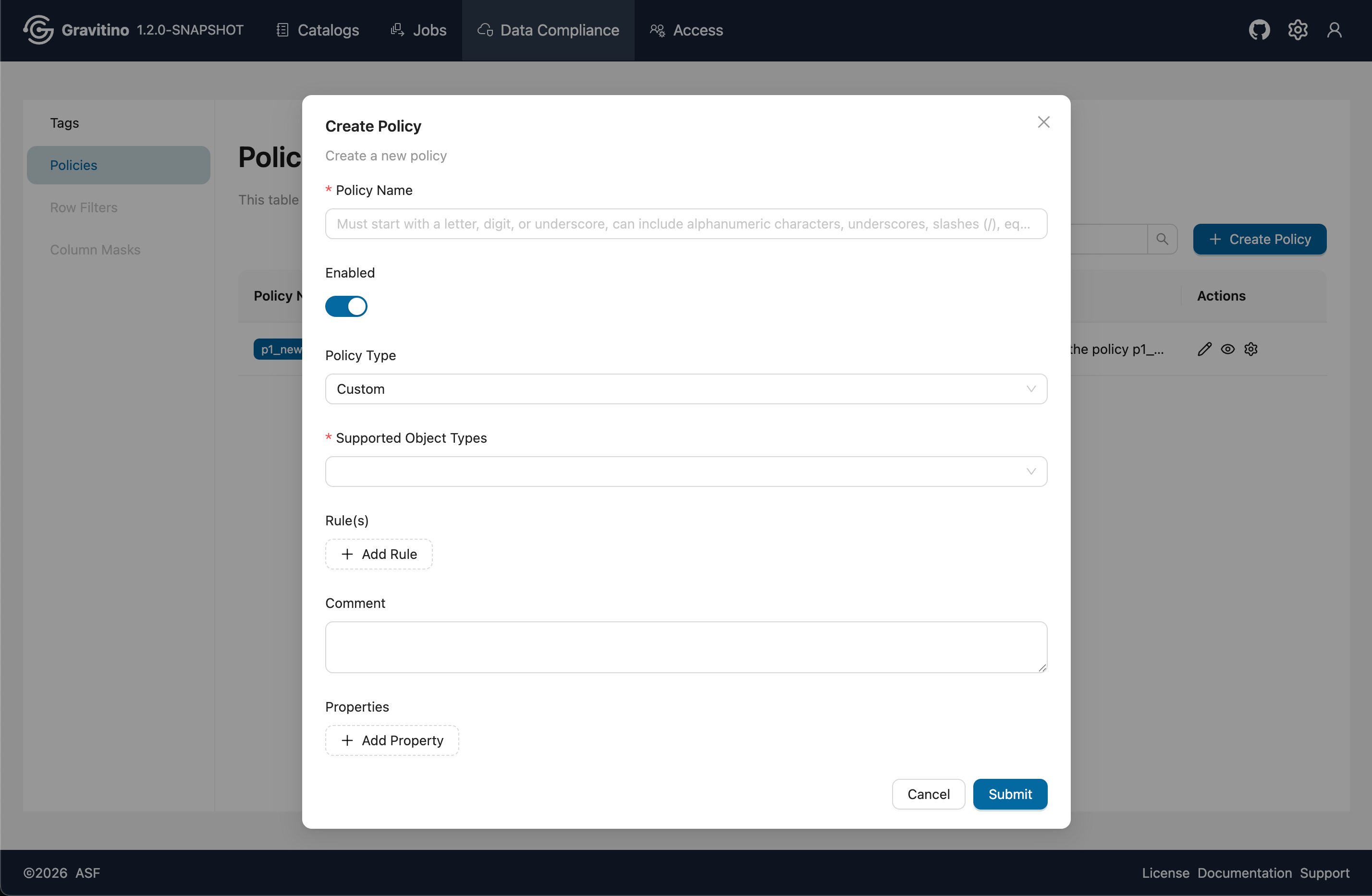
Create Policy
Click Create Policy to open the create form. Fill in the required fields and submit to create a policy.
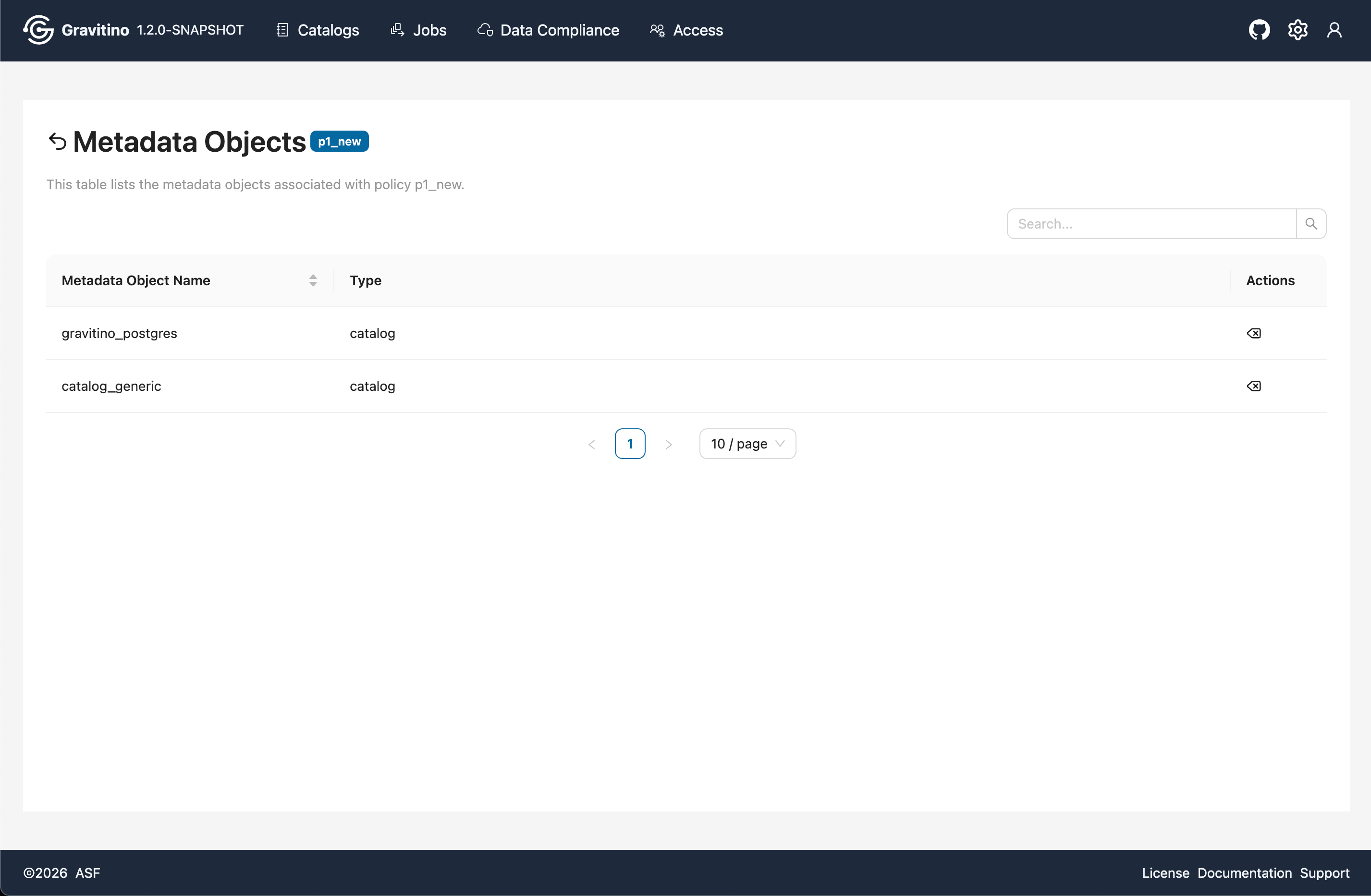
Policy Metadata Objects
Click a policy tag to navigate to the Metadata Objects page, which lists all metadata objects associated with the selected policy.
Access
The Access module is visible only when gravitino.authorization.enable=true.
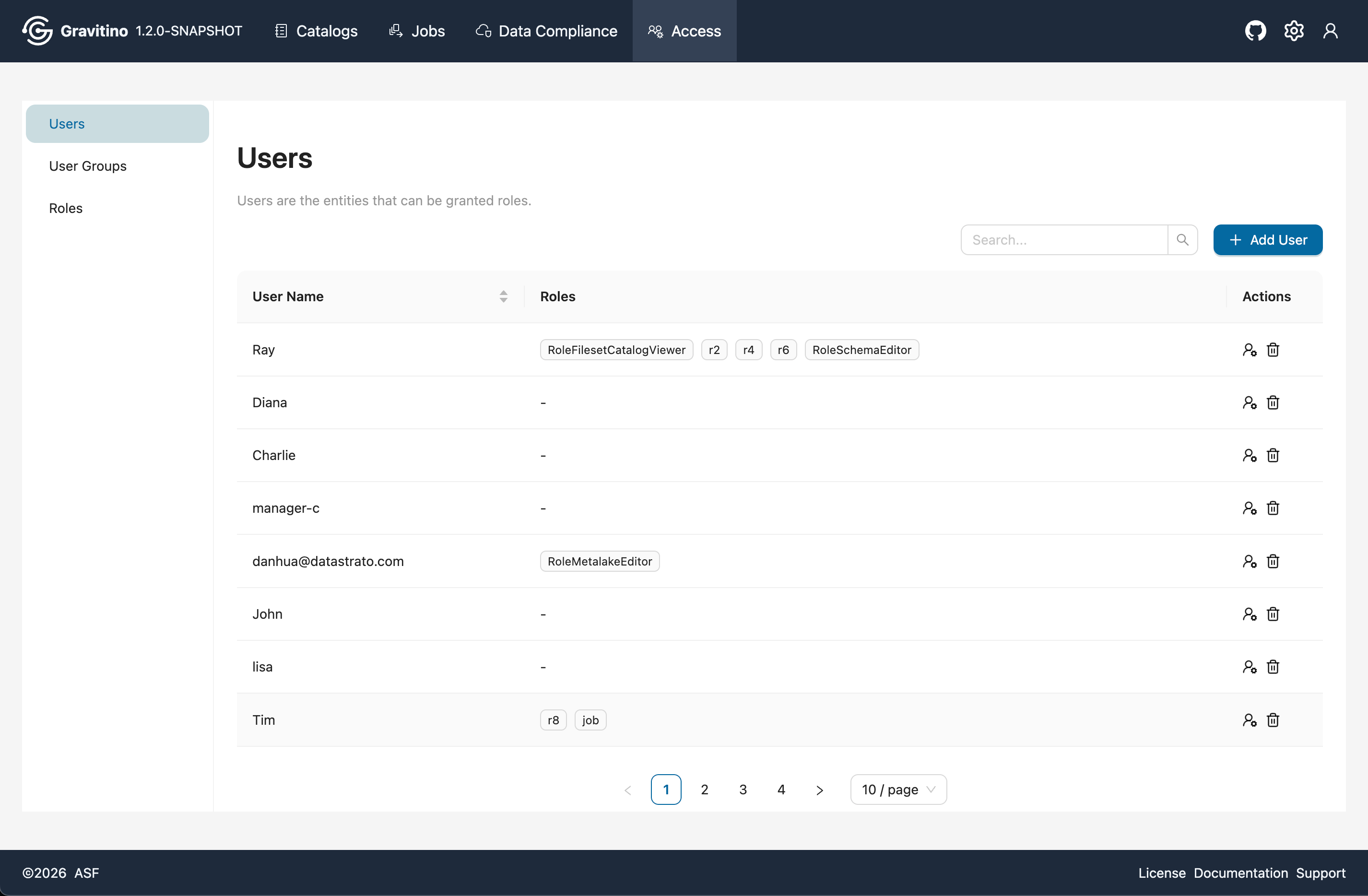
User Access
Overview for Access Users in the Web V2.
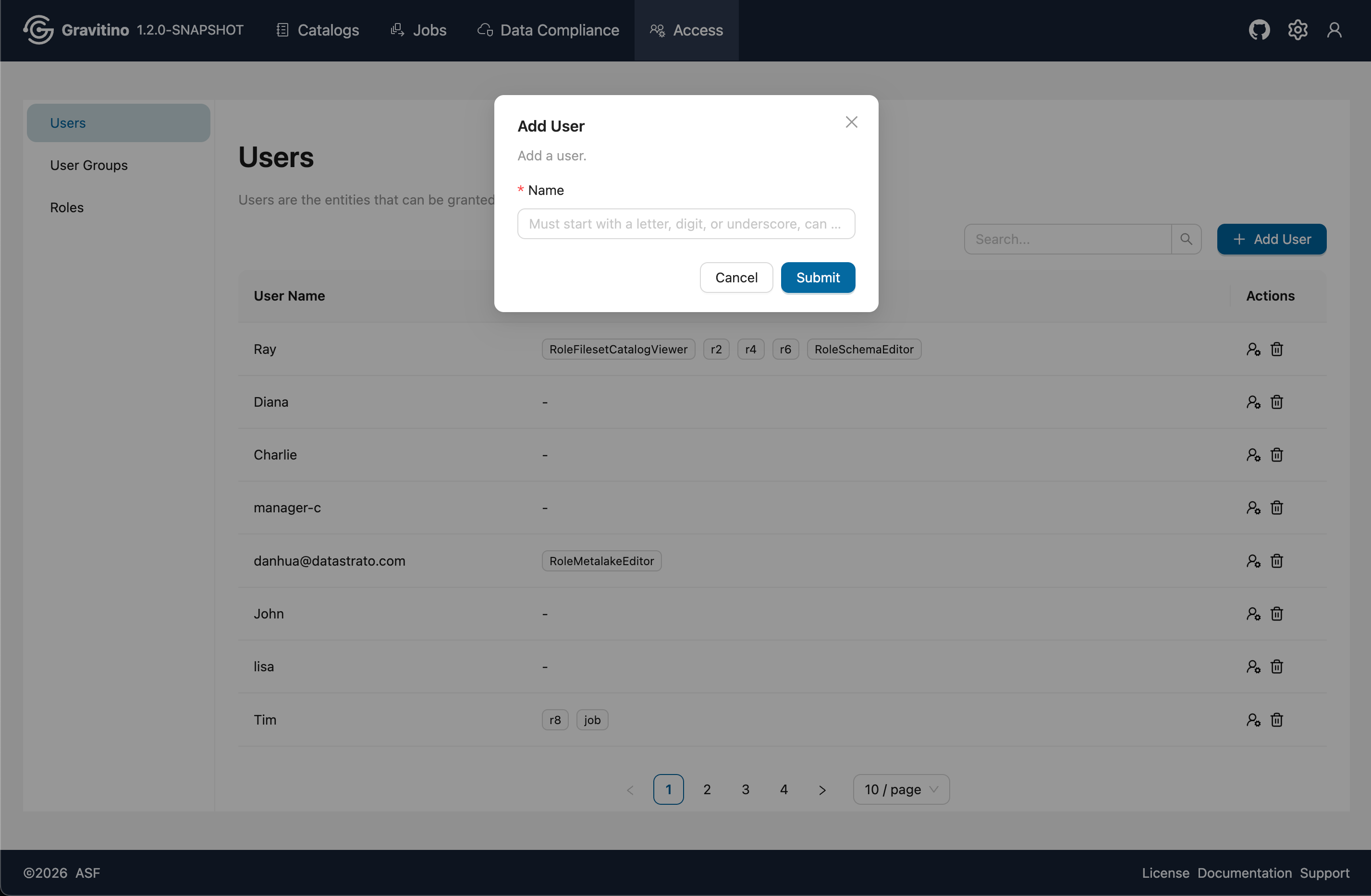
Add User
Click Add User to open the create form. Fill in the required fields and submit to create a user.
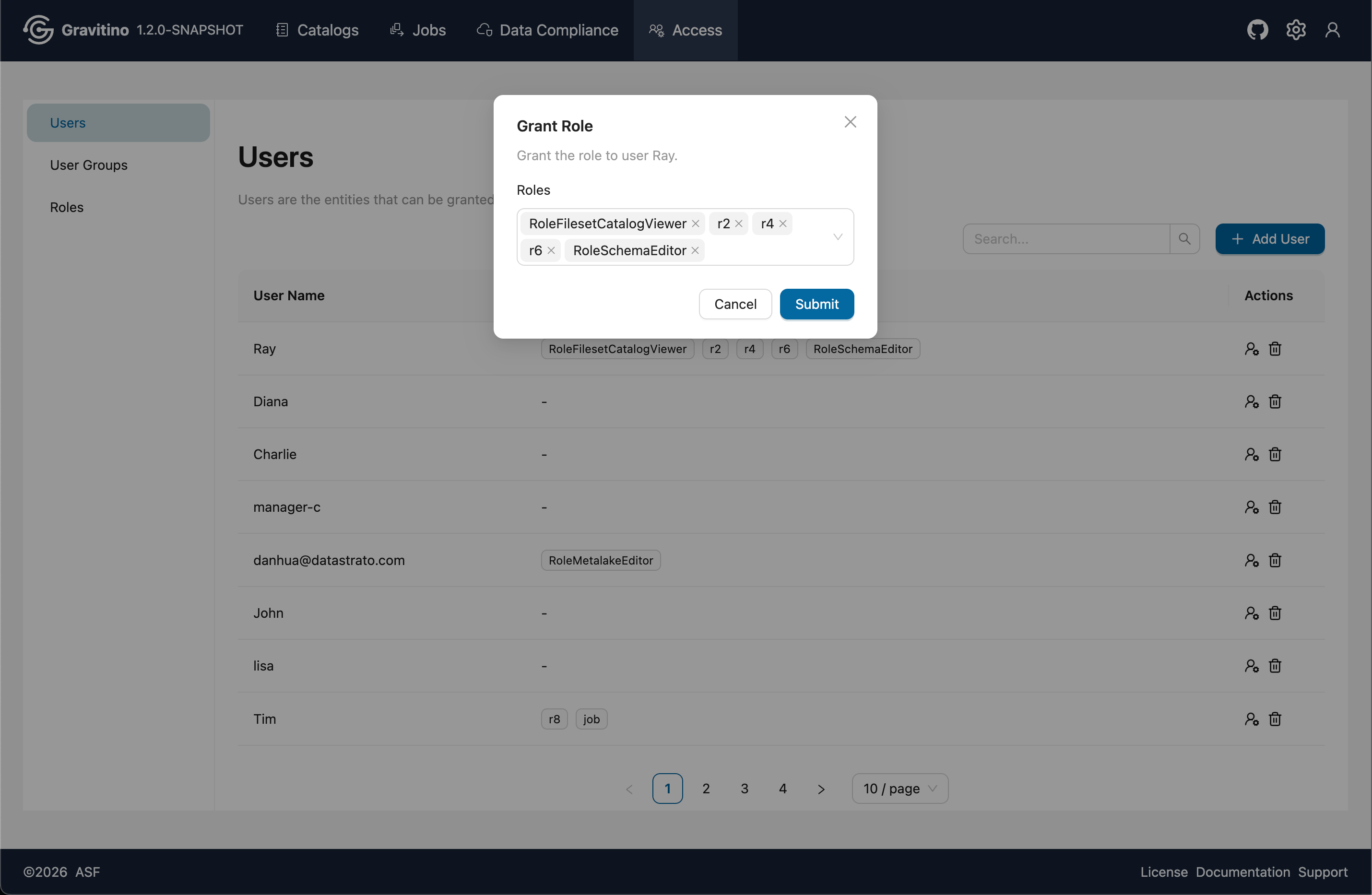
Grant Role
From the Actions, click Grant Role icon to assign roles to the selected user.
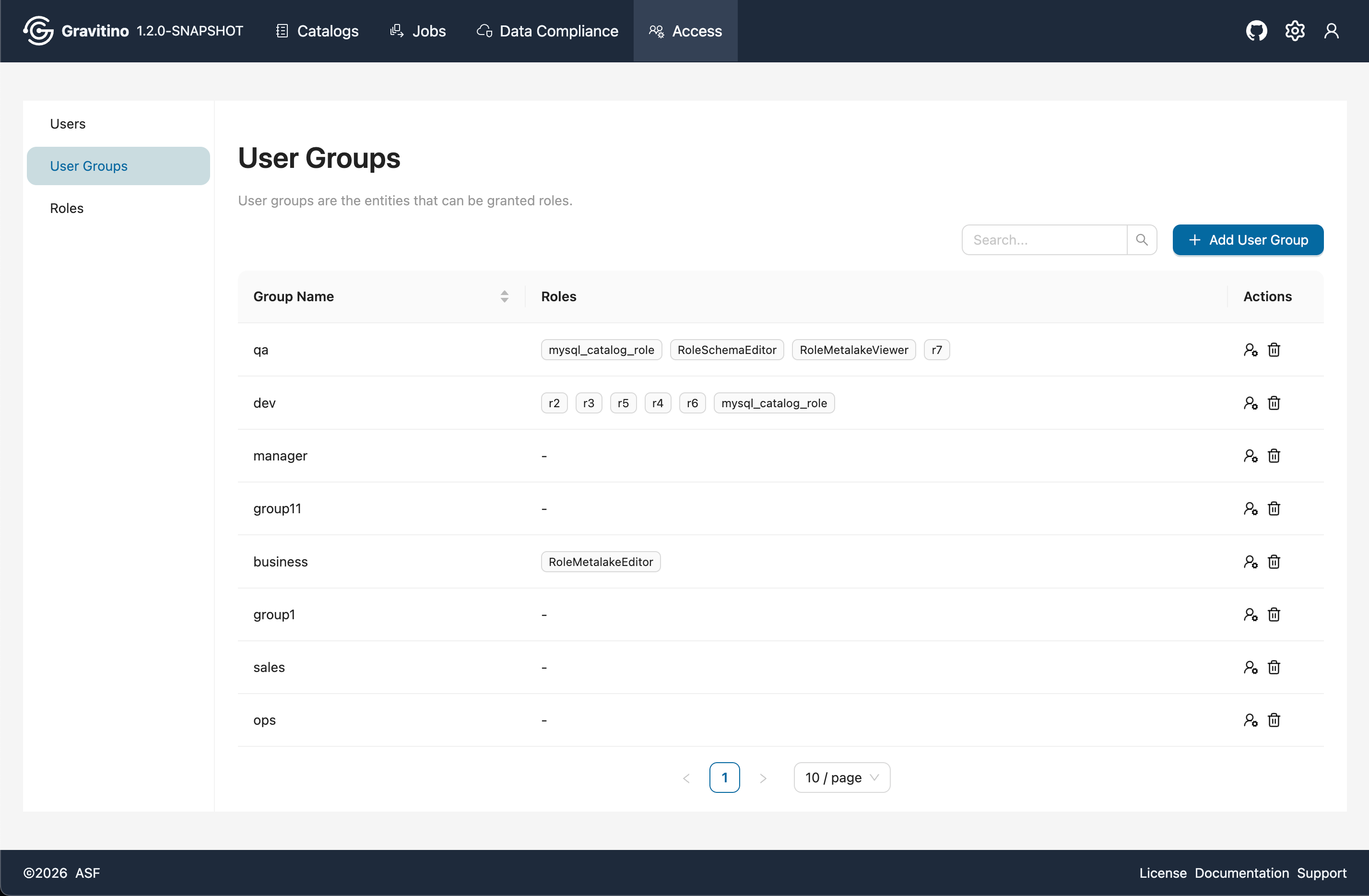
User Group Access
Overview for Access User Groups in the Web V2.
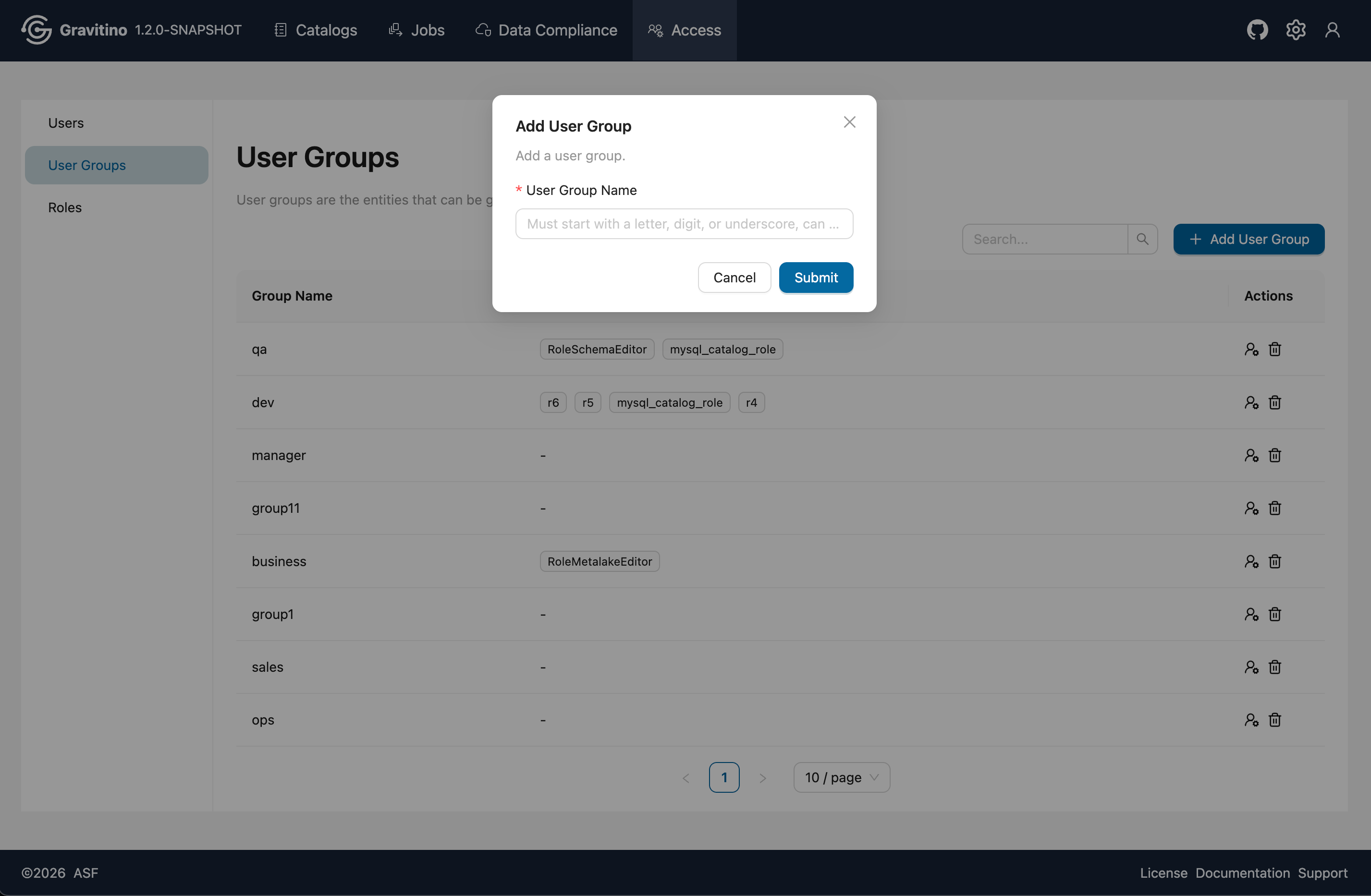
Add User Group
Click Add User Group to open the create form. Fill in the required fields and submit to create a user group.
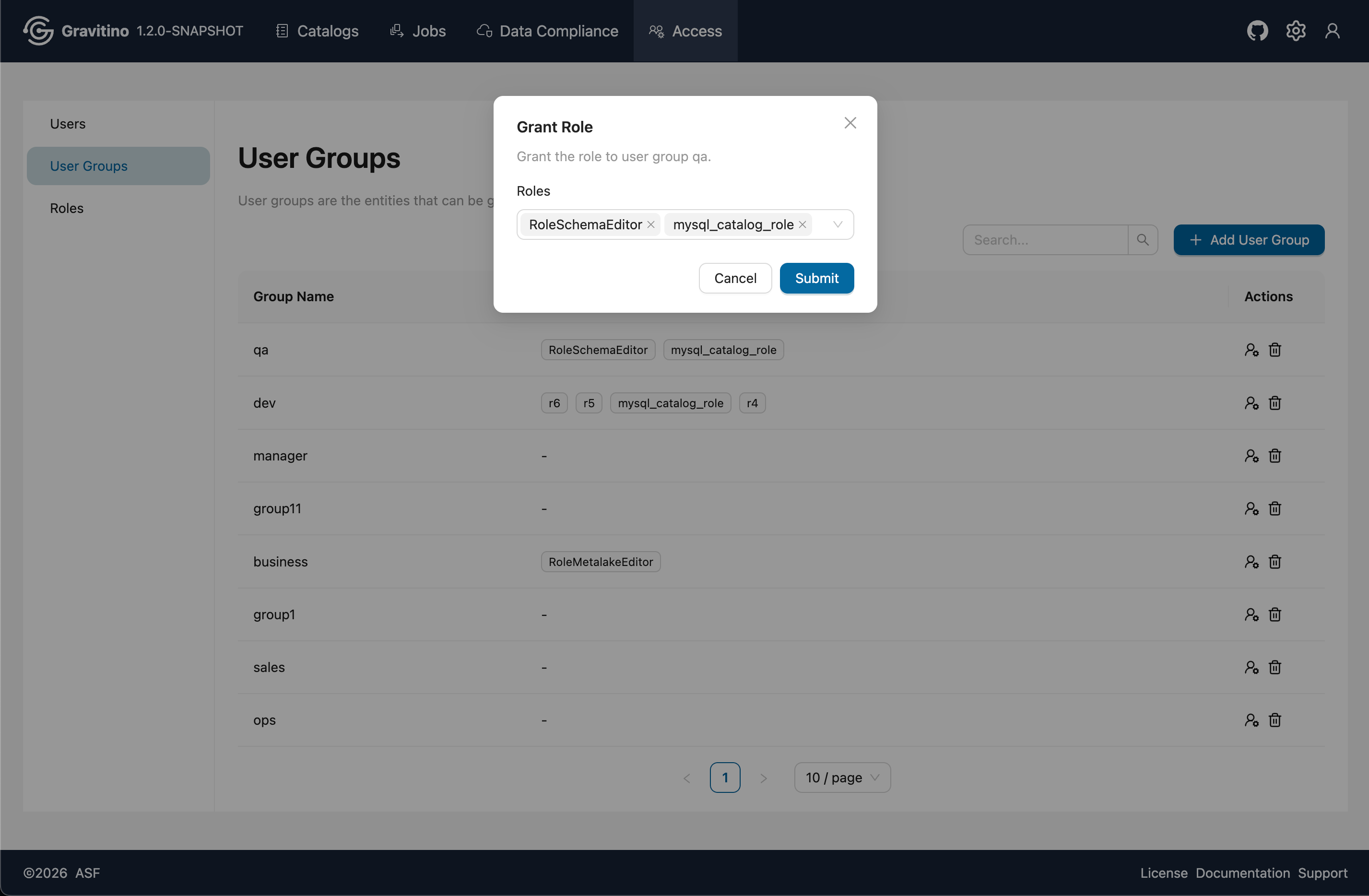
Grant Role
From the Actions, click Grant Role icon to assign roles to the selected user group.
Role Access
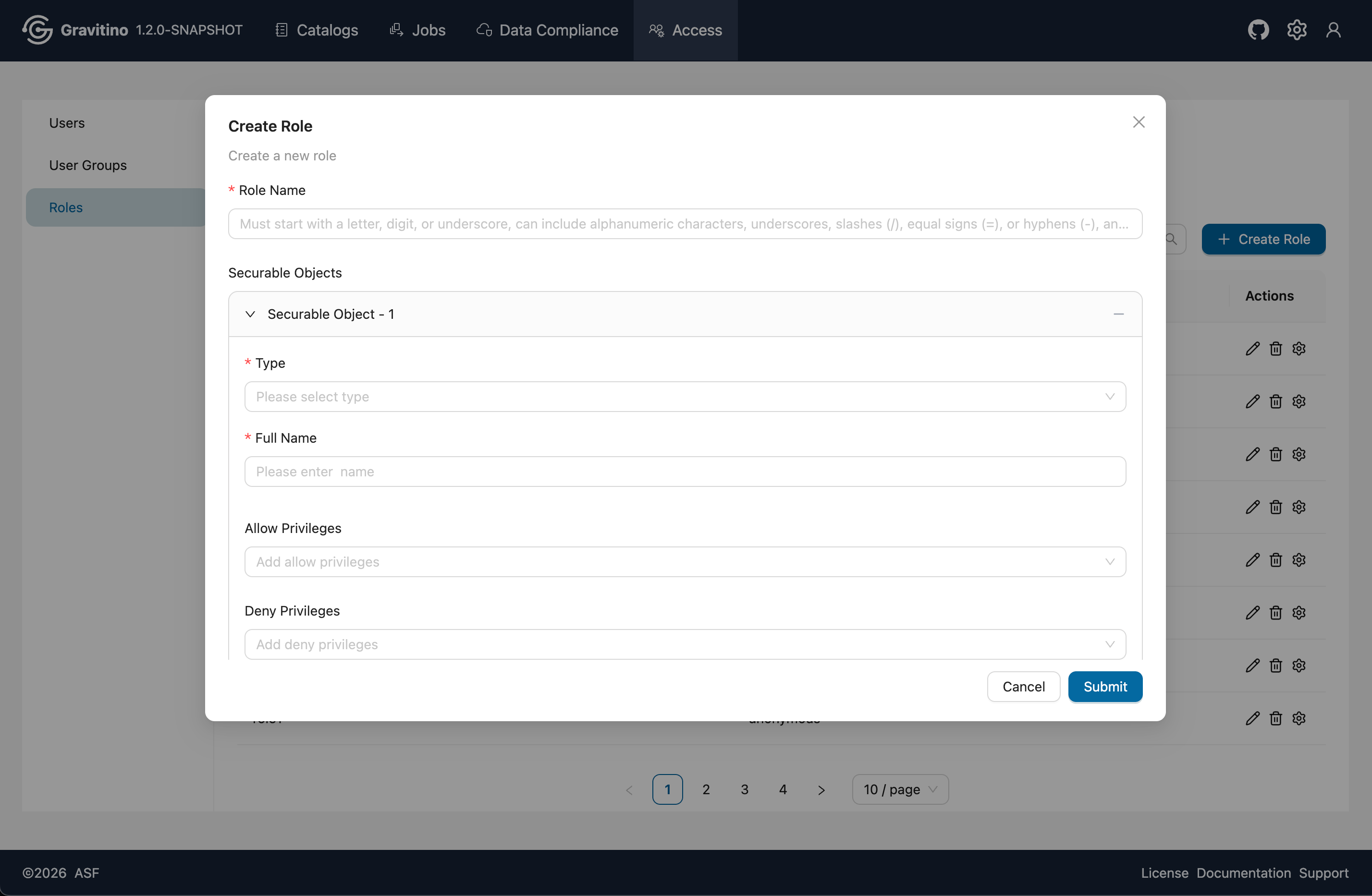
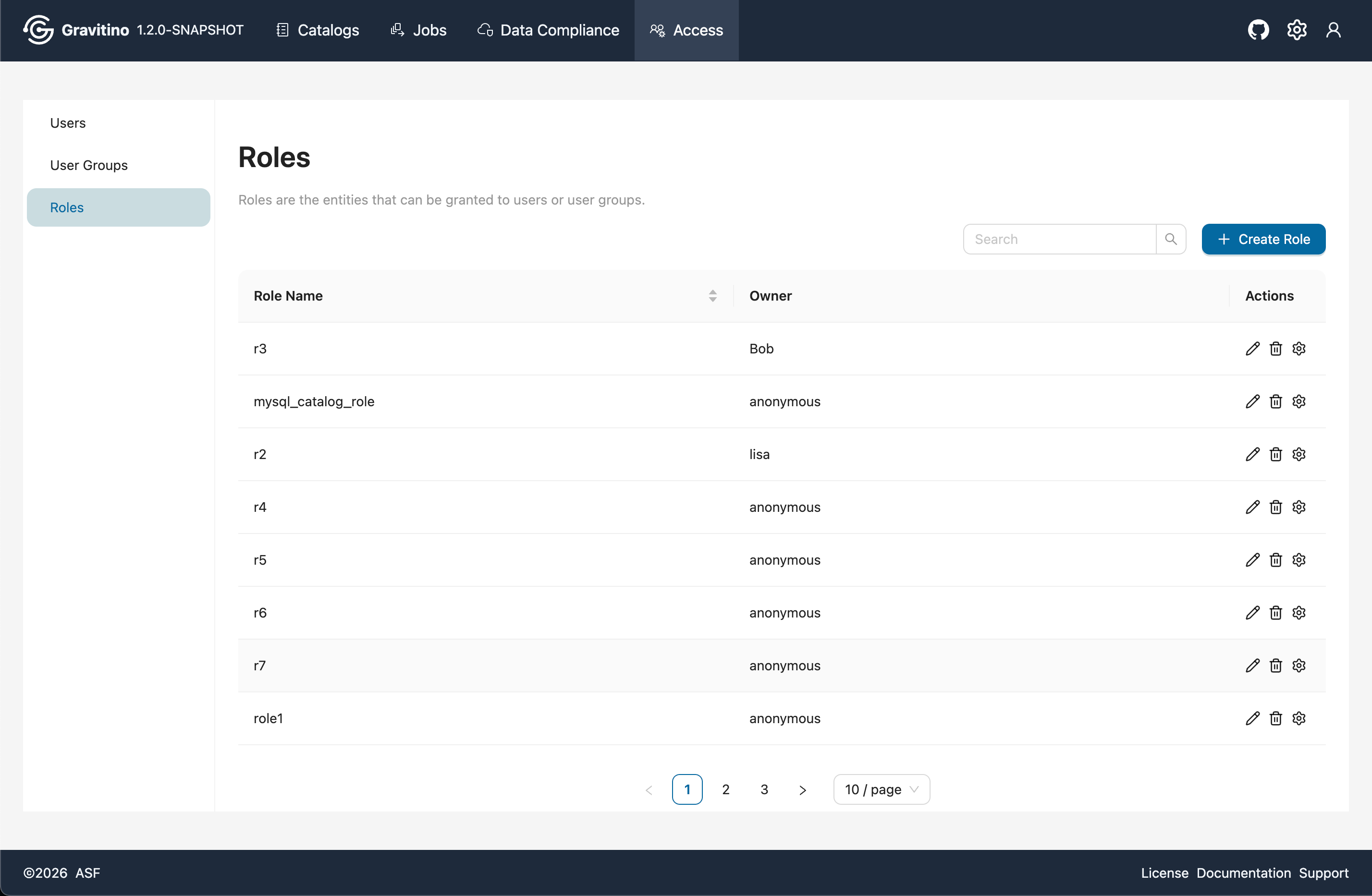
Overview for Access Roles in the Web V2.
Create Role
Click Create Role to open the create form. A role can include multiple securable objects. Different securable object types have different available privileges. For details, see Securable Objects and Privilege Types.